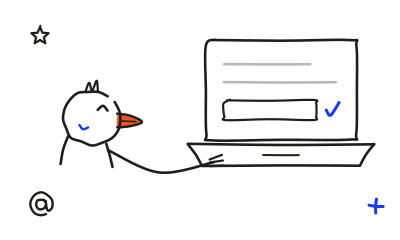
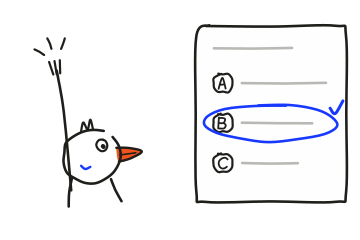
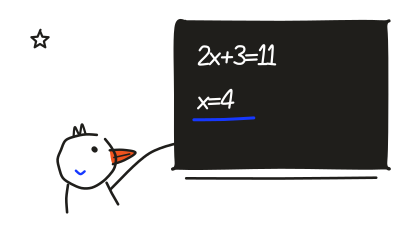
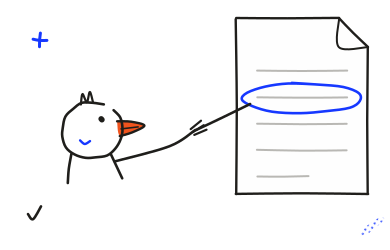
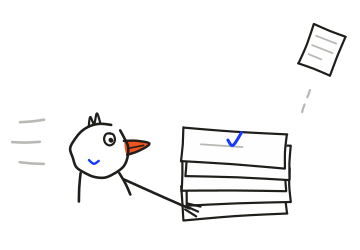
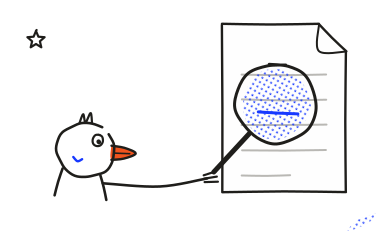
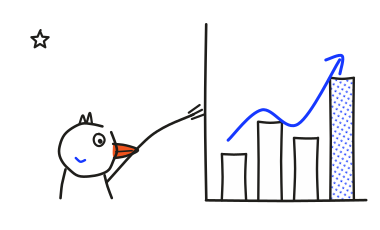
Open any picture full screen
Each picture plays a step at a time. Open it full screen and keep asking in the box that floats over it. Open the chat
 DuckyHelper
The DuckyHelper chat teaches anything from the start, draws the picture as it explains, then quizzes you on it.
In your browser at app.duckyhelper.com/chat.
Ask it to teach you
Ask how something works. It answers in plain words and makes a picture that builds as it talks.
Each picture plays a step at a time. Open it full screen and keep asking in the box that floats over it. Open the chat
Ask for a quiz on anything. Stuck on a question? Press Hint and a hint opens right in the card.
Pick an answer and it tells you straight away, with the reason. Up to three hints a question, one at a time.
Ask for a mock test on your topic. It times you and clears everything else off the screen while you take it.
The sidebar slides away. The clock, the question and your answers stay. Mark a question to come back to it.
When a question needs something current, it searches the web and shows the pages it read.
You see what it searched for and every page it used, before the answer starts.
Type a word and it finds the chats that have it, even inside an answer, and takes you to the spot.
Every chat stays in the sidebar, by day. Search them all from the top of the list.
The chat builds lessons and quizzes from a blank page. On a Mac, the pill works from what is on your screen.
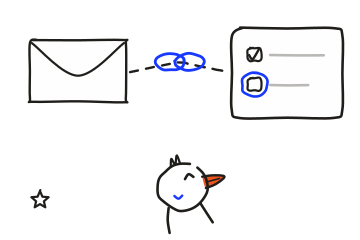
The Mac app's pill sees the page you're on. It can open a blackboard beside your work, mark your screen and do tasks in your apps. Download for Mac
It looks and listens only while the pill is open.
At app.duckyhelper.com/chat, in your browser. Sign in with your DuckyHelper account.
Same account. The chat builds lessons, quizzes and mock tests from scratch. The Mac app's pill works from what is on your screen, and it can do tasks in your apps.
No. It sees what you type and the photos or PDFs you add. To ask about what's on your screen, use the Mac app: press fn and talk.
It shows the right answer and why, straight away. The question goes to your practice book so you can try it again.
The chat runs on your DuckyHelper plan. See pricing.
Open the chat.