
Press fn. Talk. Ducky listens.
A small dark glass pill springs up at the bottom of your screen. Ask out loud, like you would ask a real tutor.

Press fn to ask
Press fn from any app. A small pill springs up at the bottom of your screen and listens.

Sees your screen
Ducky sees what is on your screen, so you can ask about the exact problem in front of you.

Any subject
Algebra, biology, Spanish, essay writing, or anything else. Any subject, for anyone.

Talks back
Talk to Ducky like a person. It listens and answers out loud.
Works over the apps you use
DuckyHelper is a Mac app. It works on top of any app or website you have open, so you learn right where you are.



Ducky draws while it talks.
It sees your screen and shows you. A rounded pointer flies over and draws on your real screen, one mark at a time, like a pen.
Answers you can see.
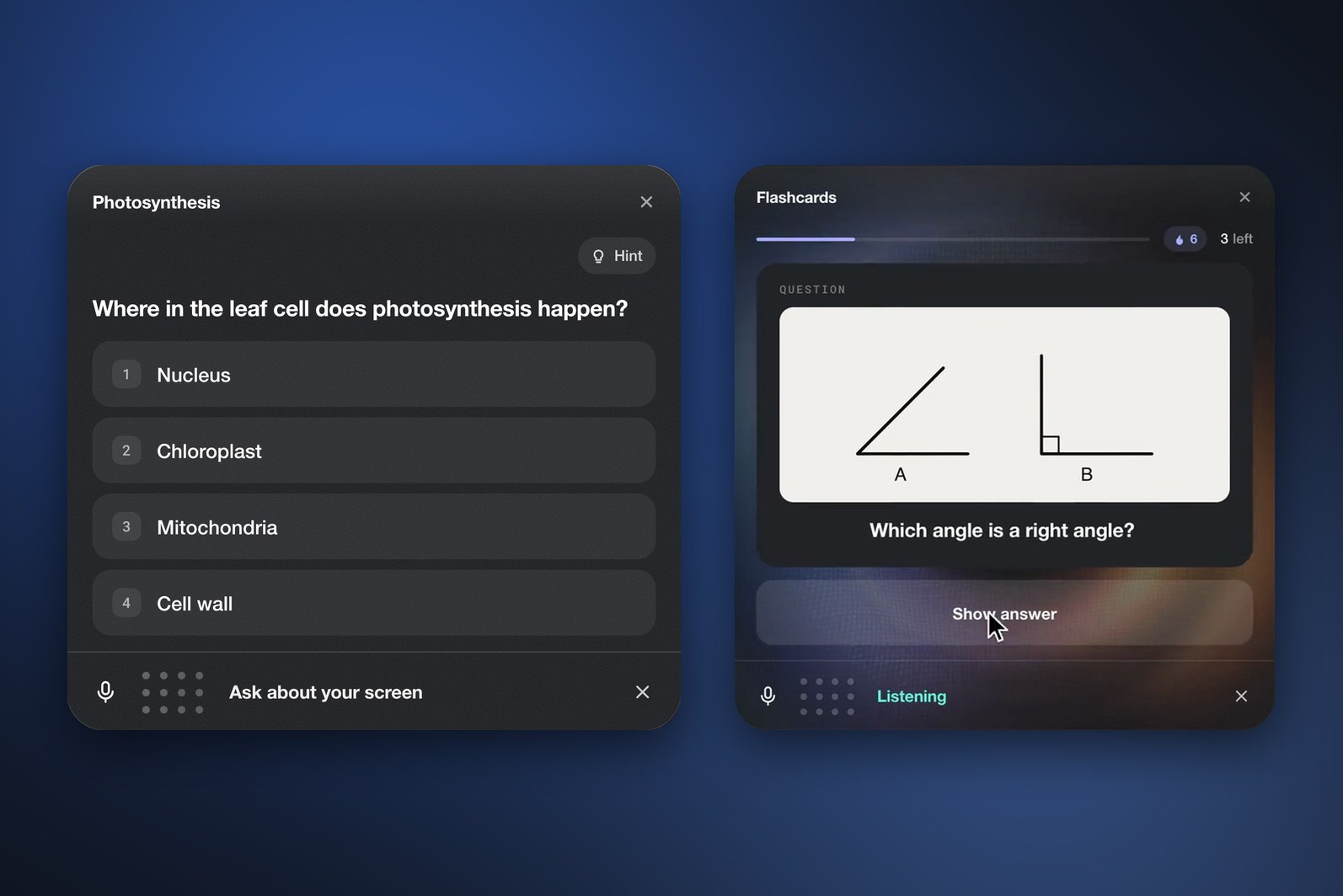
Quizzes, flashcards, worked steps, interactive graphs, pictures and short videos show up as cards right in the pill.
Quizzes and flashcards
Ducky quizzes you on what you just learned. Pick an answer or type it, ask for a hint, and practice with flashcards.
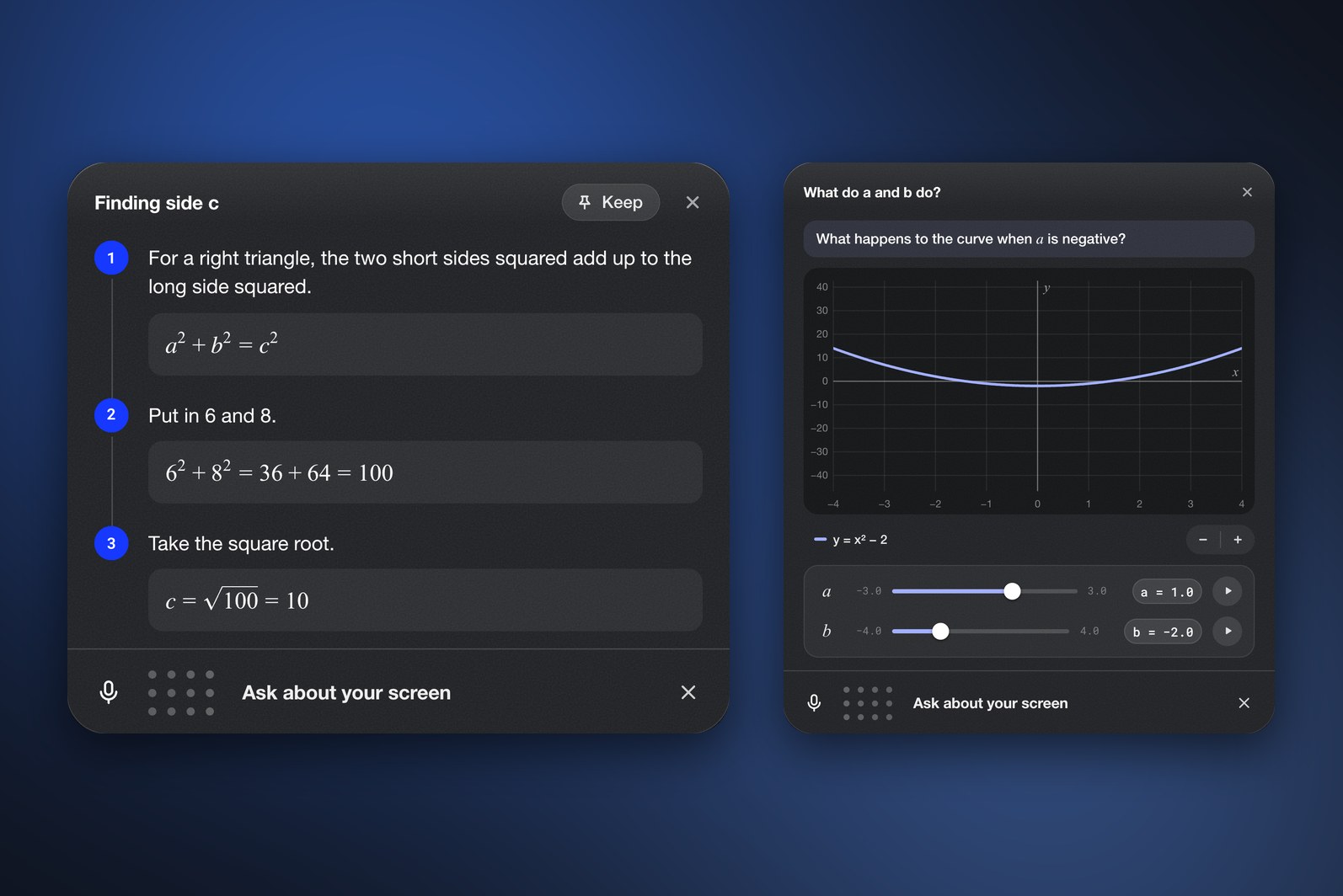
Worked steps and graphs
See a problem solved one step at a time. Graphs are interactive, so you can move the sliders and watch the curve change.
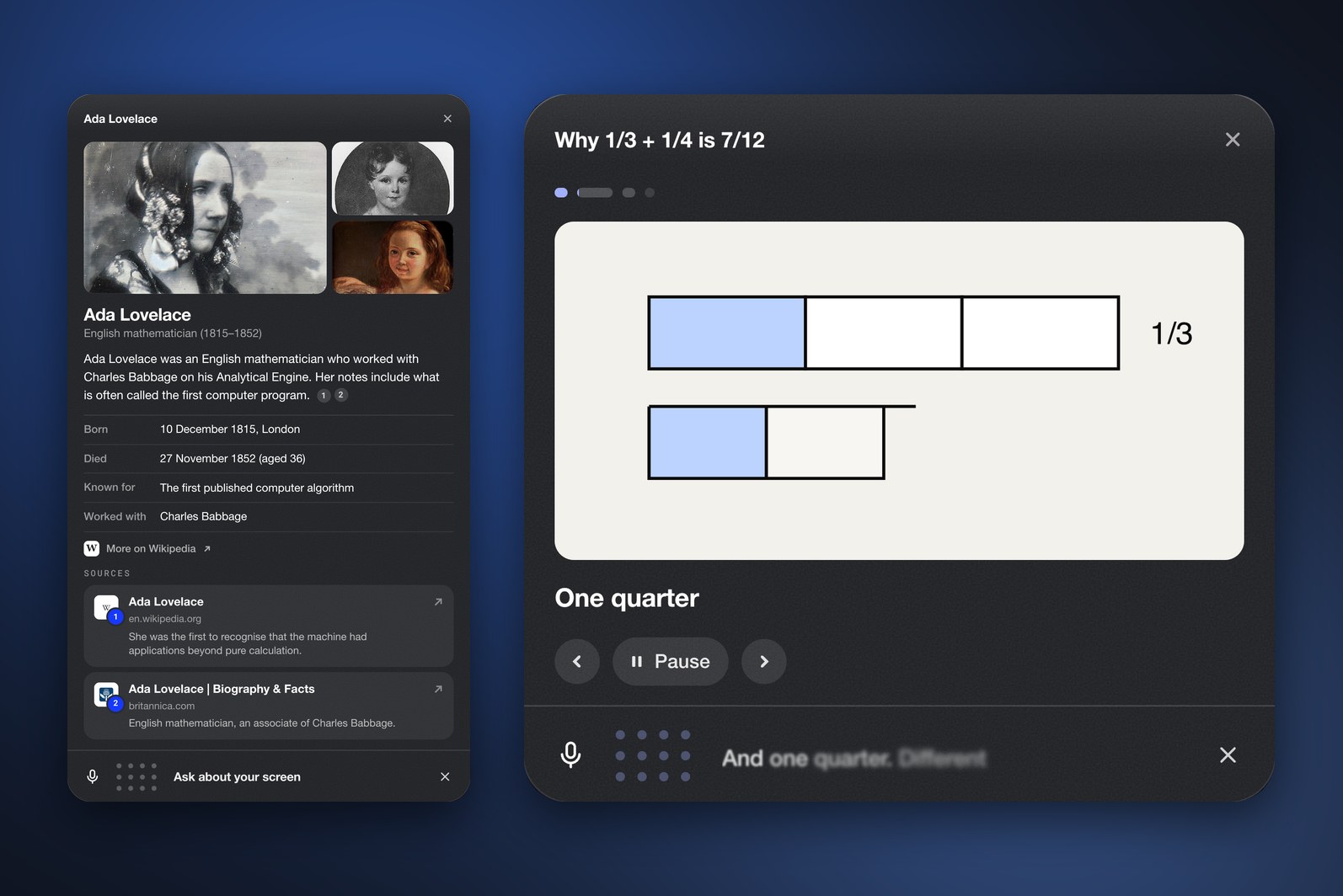
Pictures and videos
Ducky shows pictures and short explainer videos, like a card on Ada Lovelace or why 1/3 + 1/4 is 7/12.
Tutorials in your own apps.
Ducky walks you through any app or website, step by step. It watches what you click and type, and moves on only when you really did the step.

Step by step
Big jobs become small steps. Ducky shows you where to click next and tells you what each step does.

Watches your clicks
Ducky watches what you click and type. It moves on only when you really did the step, and checks your work.

Typing coach
Grey ghost letters appear at your caret in the real text box. Type over them. A wrong letter turns red.

Your Ducky Dashboard.
Every lesson, quiz, drawing and note is saved, so you can pick up right where you left off.
Get early access
Ready to learn
DuckyHelper is almost ready. Get early access and be one of the first to learn with Ducky.

Still not sure DuckyHelper is right for you?
See how it helps students, meet the founder,
or see what you need to run it on your Mac.
