A tutor that shows you how
Talk to DuckyHelper, the AI tutor right there on your computer. It sees your screen, draws on it and explains out loud, or works it out with you on a blackboard.


Everything you need to learn anything:
- Sees your screen
- Draws on it
- Explains out loud
- Blackboard
- Quizzes
- Simulations
- Sees your screen
- Draws on it
- Explains out loud
- Blackboard
- Quizzes
- Simulations
Backed by the startup programs of
- Y Combinator Startup School 2026
- NVIDIA Inception
- AWS Activate
- Microsoft for Startups
- OpenAI Daybreak
- Anthropic
- ElevenLabs
- Lambda
- Cartesia
- MongoDB for Startups
Sees, explains
and draws,
all at once
Chatbots made answers instant. DuckyHelper makes understanding instant: a voice that explains, eyes on your screen and a hand that draws.
Eyes
Screen understanding. You can't explain what you can't see. DuckyHelper reads the problem, the diagram and the page you are on, so every answer starts exactly where you are stuck. Any app. Any subject. It looks at your screen only while you ask.
Hands
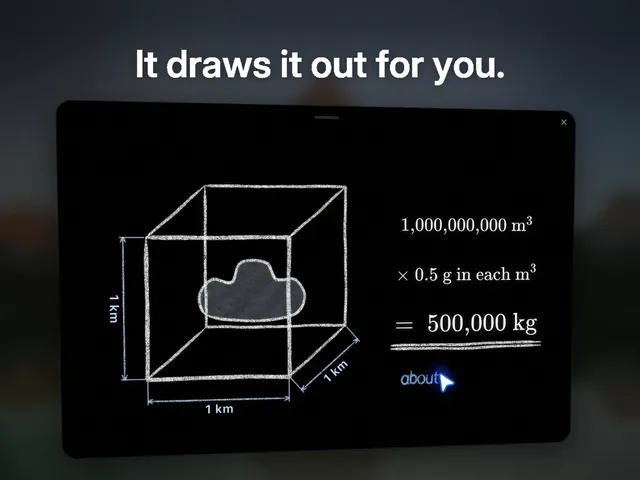
Visual explanation. Chatbots answer in walls of text. DuckyHelper explains out loud while it draws: marks on your screen, figures on a chalk board, 3D models you can turn. Hints before answers. Worked steps, one at a time, until it makes sense.
Learn by being shown
DuckyHelper is right there on your computer. Ask out loud and Ducky sees your screen, draws on it and explains, or works it out with you on the blackboard. It quizzes you too.
Press fn on a Mac, Ctrl+Shift+Space on Windows and Linux. The black orb wakes up and listens.
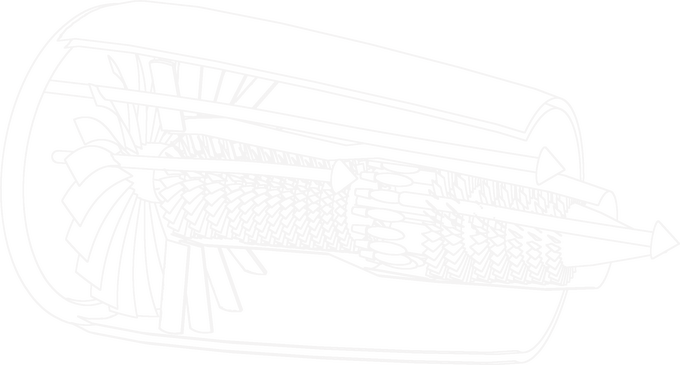
See it in 3D. Ask how a jet engine works and it builds one live, part by part, right on your screen.
Right there. The orb rests on your screen, ready the moment you ask.
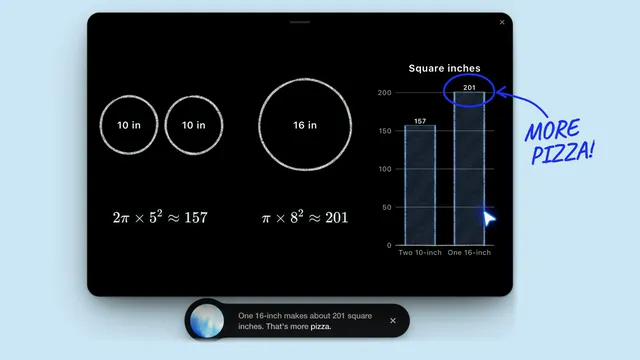
Blackboard. Ideas and steps go on a blackboard beside your work, drawn in chalk while it explains.
Learn out loud. Like with a tutor.
Every lesson is live: DuckyHelper hears you, talks back and shows you on your own screen, in any subject.
Ask out loud, the way you would ask a tutor sitting next to you. It answers in its own voice, draws the step on your screen, checks you got it, and keeps your notes and flashcards, so you pick up right where you left off.

Talk it through
Press fn and ask out loud. It answers in its own voice, the words lighting up as it speaks.

Shown on your work
It rings the step, draws an arrow and writes the fix, right on your screen or its blackboard.

Checks you got it
A quick question after each step, flashcards for later, and a streak to keep you going.
Ducky shows every step.
Ask Ducky anything out loud. It works it out on a board as it explains, then gives you one to try yourself. It's all in the DuckyHelper app for Mac, Windows and Linux.


Ask out loud
Talk to Ducky like a tutor sitting next to you. It answers in its own voice.

Step by step
Worked math and fraction bars, drawn on the blackboard one step at a time.

On your screen
On a hard SAT question it circles the words that matter, graphs it on the board and ticks the right answer.
Always there Press fn in any app and ask out loud. The black orb wakes up, listens and sees what you have open. No tab to find, nothing to copy and paste.



Your Ducky Dashboard
Every lesson, quiz, drawing and note is saved, so you can pick up right where you left off.
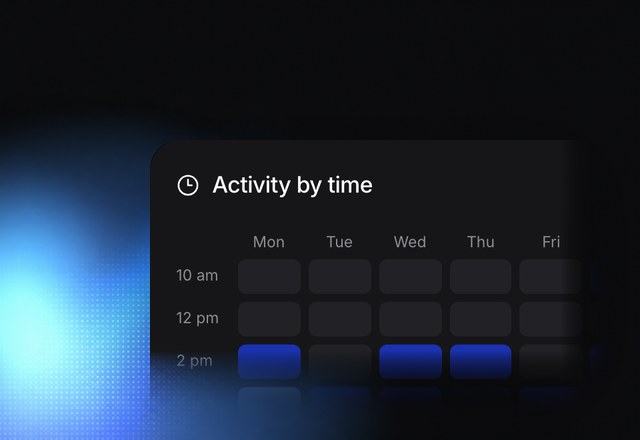
See your week. Time learned and when you study, at a glance.
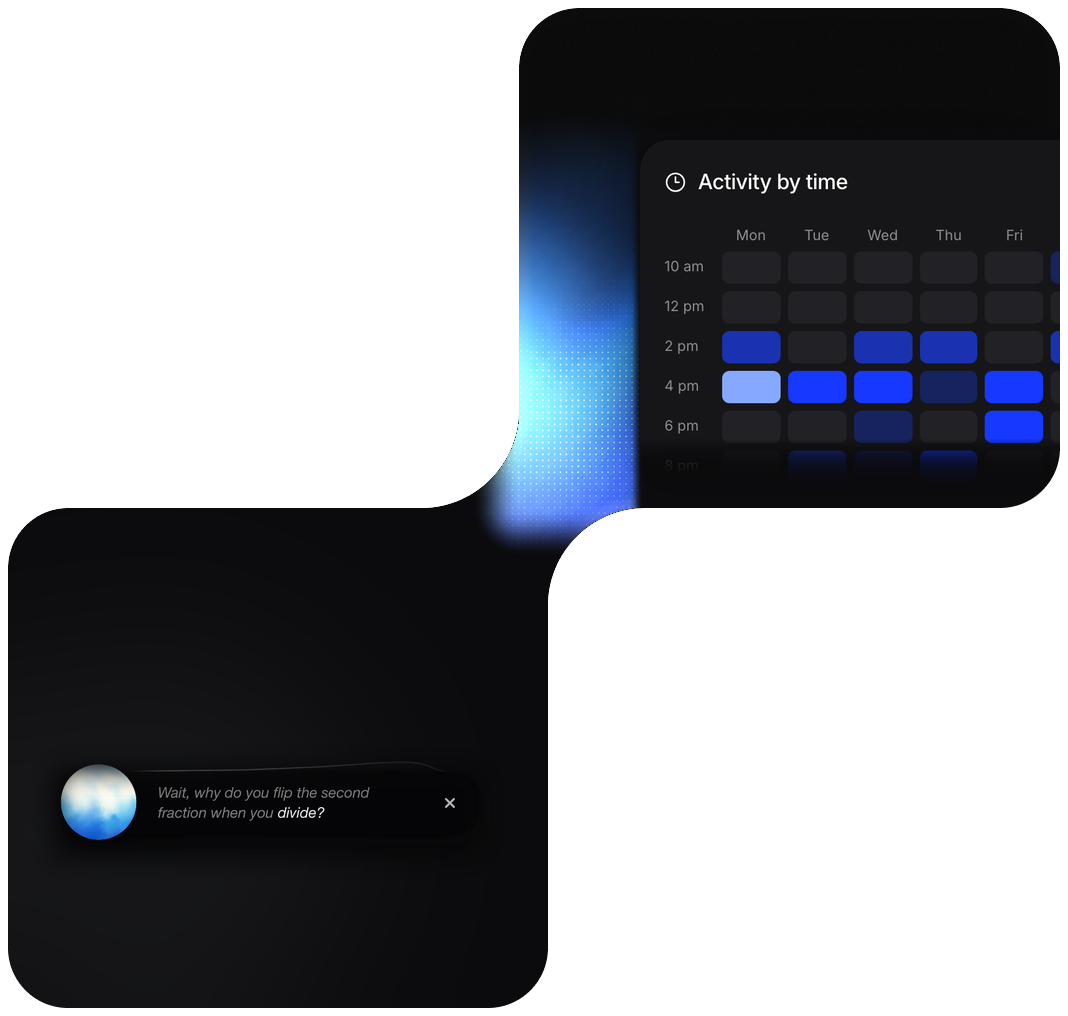
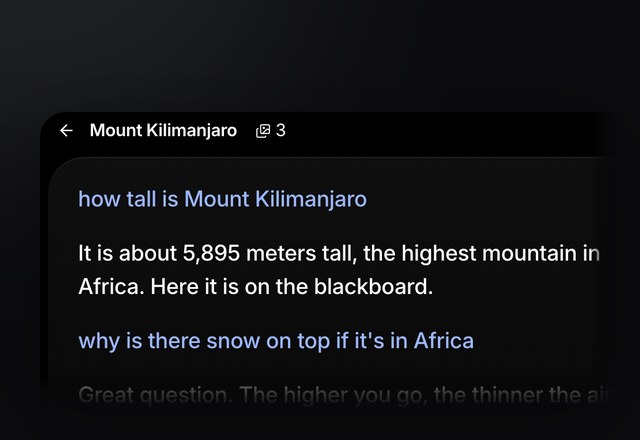
Keep going. Every lesson is saved with its transcript.
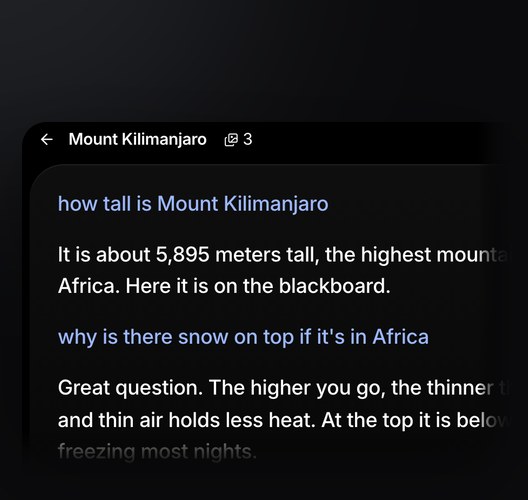
 Ask anytime.
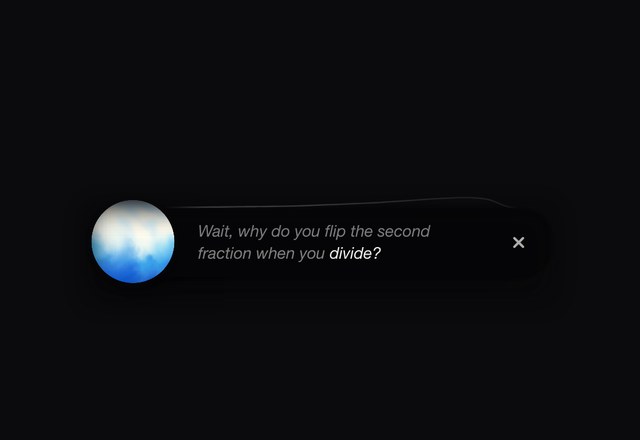
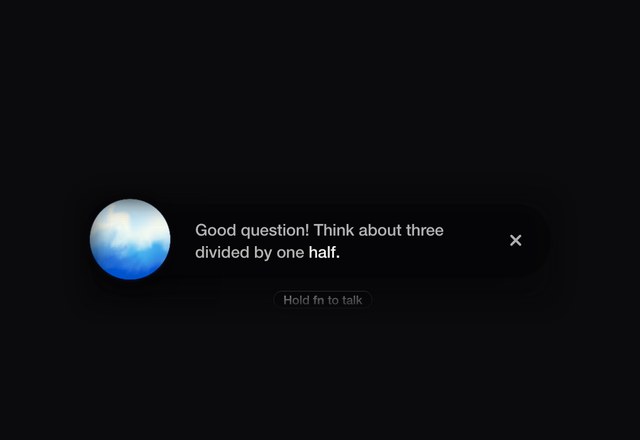
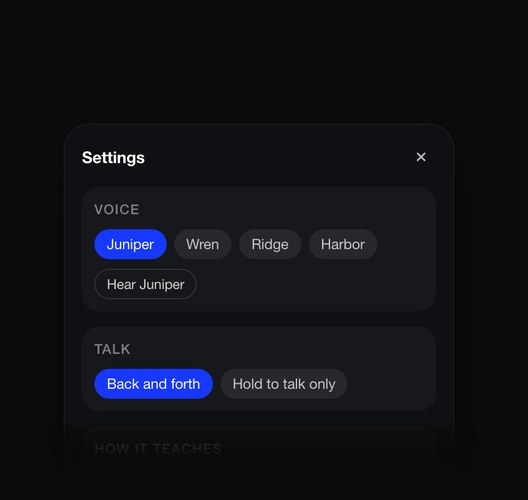
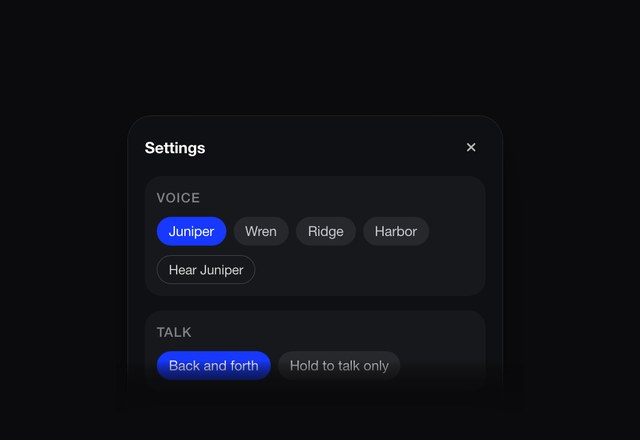
Tap fn and just talk. Ask it to explain, draw or quiz youBack and forth. It answers, then listens again. Hold fn to cut in while it explains.
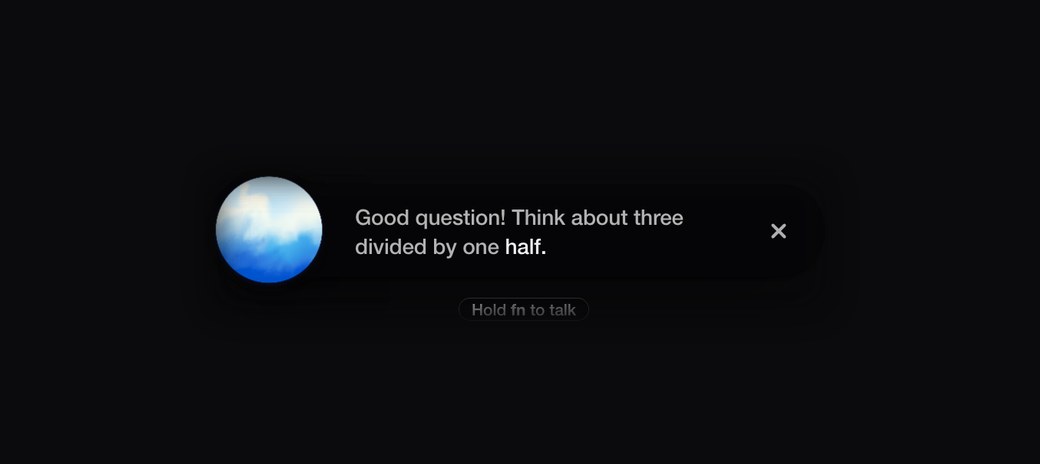
Pill settings. Voice, talk key and how it teaches, right in the pill.
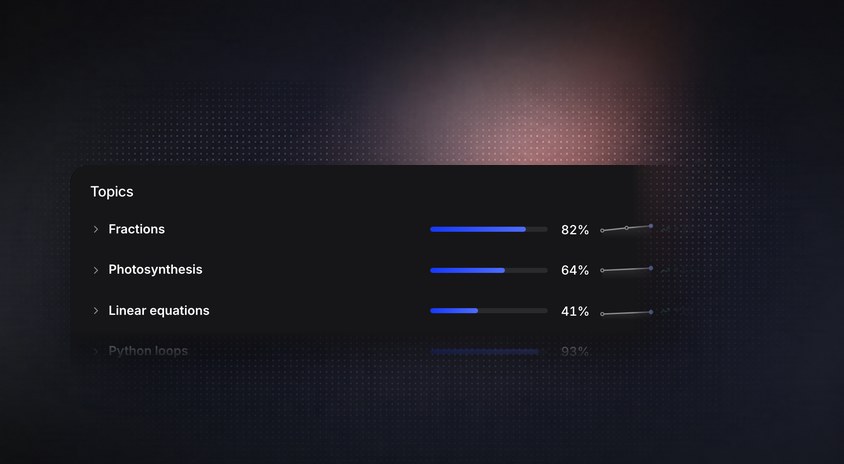
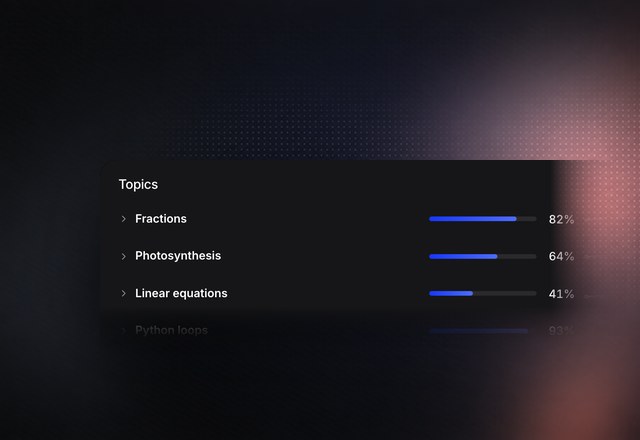
Track subjects. See your mastery and test scores for each topic.



Why we built DuckyHelper
Show me,
then let me try

DuckyHelper gives you the answer the way there: a hint first, then one step at a time, and it checks your own work instead of doing it for you. You can ask AI for the answer, but that’s not teaching.
It sees your screen and draws on it while it explains, out loud: circles, arrows and labels on the exact spot, one mark at a time. Then it asks you back and lets you try the next step, because what you work out yourself is what you remember.
One-on-one tutoring is the most effective teaching we know of. In Benjamin Bloom’s studies, the average tutored student did better than 98% of a regular class. Most people never get a tutor. That’s why we built DuckyHelper, and trained it to teach:
1,000,000+tutoring examples it is trained on
100+learning-science papers it is built on
 Press fn and ask anything out loud
 On X · Nov 15

 On X · Nov 10
 On X · Oct 30
 On X · Oct 27
 On X · Oct 29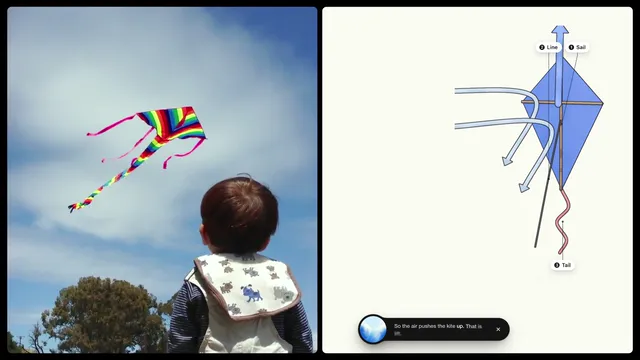
Learn anything, shown.
Ducky sees your screen and draws on it as it explains.
It works it out with you on a blackboard too.