
Papers and technical notes
These are DuckyHelper's own white papers and notes. They explain how the tutor is designed and which published research each design choice comes from. They are white papers from MingLLM, Inc., the company that makes DuckyHelper: not peer reviewed, and they report no experiments or results of our own.

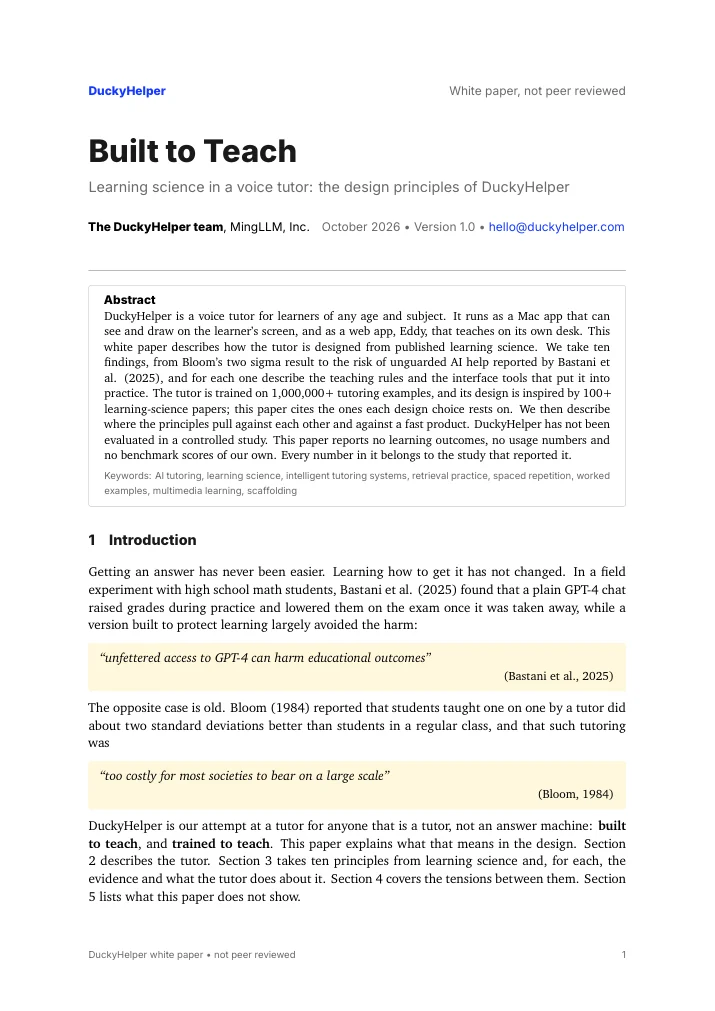
Built to Teach
How ten findings about how people learn, from Bloom's two sigma result to the risks of unguarded AI help, each became a teaching rule or a tool in DuckyHelper's tutor, and where the principles pull against each other.
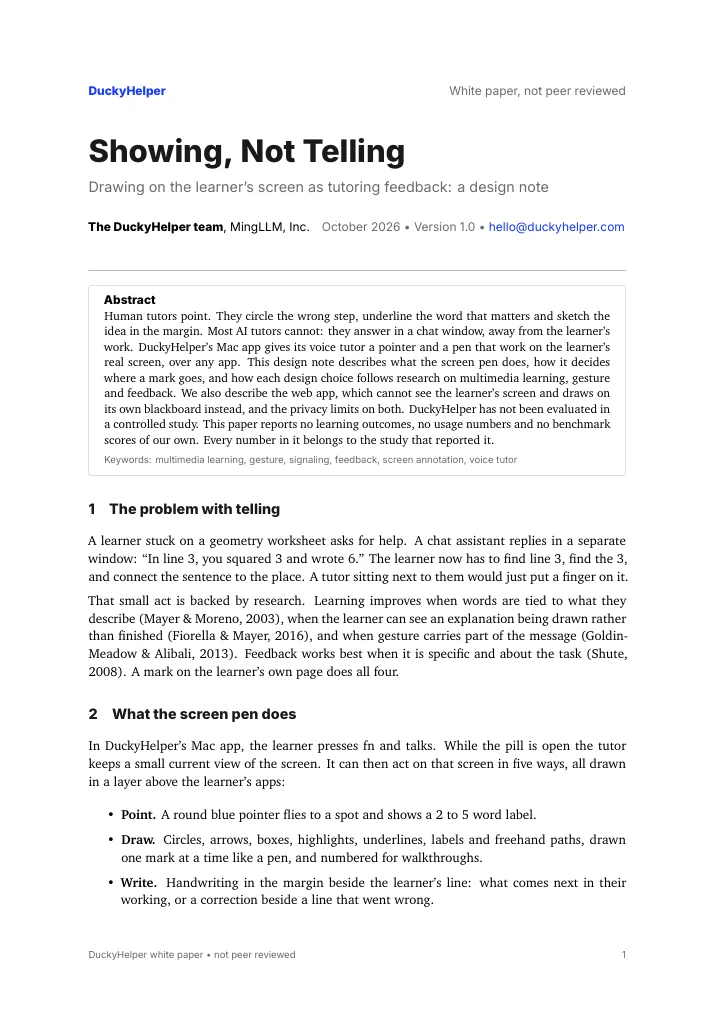
Showing, not telling
Why DuckyHelper's Mac app gives its tutor a pen and a pointer on the learner's real screen, how it decides where a mark goes, what Eddy does instead in the app's Eddy tab, and the privacy limits on both.
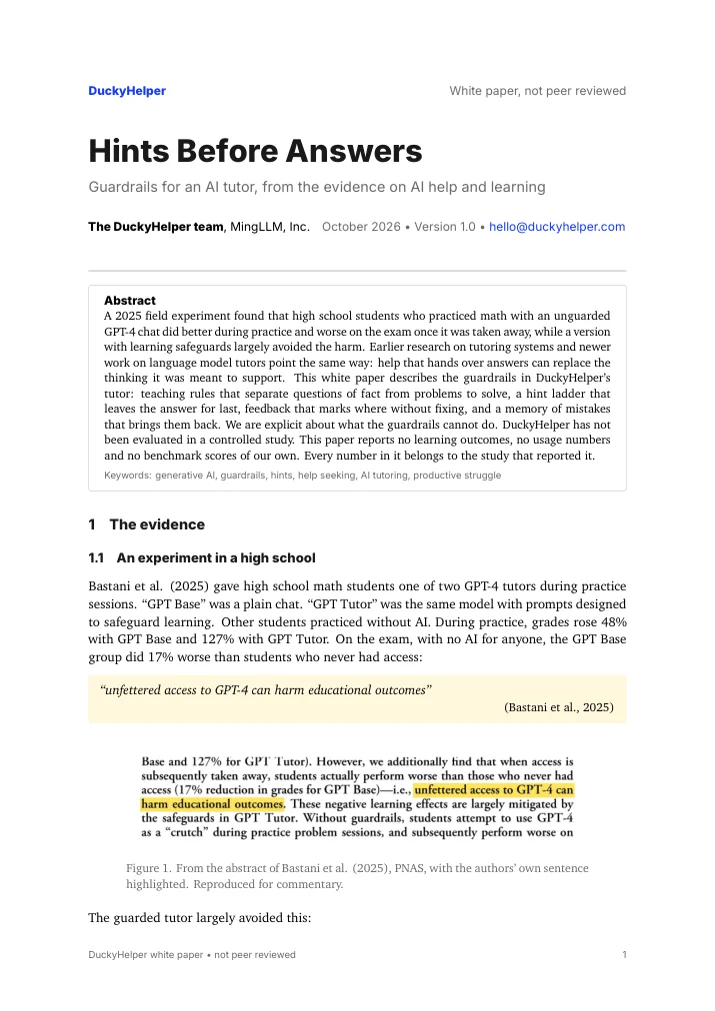
Hints before answers
What the evidence says about AI help that hands over answers, and the guardrails in DuckyHelper's tutor: a hint ladder that leaves the answer for last, feedback that marks where without fixing, and what the guardrails cannot do.
The annotated bibliography
Every paper in the library, 100+ of them, with its full citation and our one-line note, in one PDF.
What these are
White papers, not peer reviewed. They describe design and cite published research. They contain no study of DuckyHelper and no numbers of our own.
Frequently asked questions
Are these papers peer reviewed?
No. They are white papers written by the team at MingLLM, Inc., which makes DuckyHelper. They describe the design and cite peer-reviewed research, but they have not been through peer review themselves.
Who wrote them?
The DuckyHelper team at MingLLM, Inc., the company that makes DuckyHelper. They are written in plain words for parents, teachers and researchers, and every finding links to its source.
Can I cite them?
Yes. Each paper page has a citation block. Please cite them as white papers from MingLLM, Inc., and cite the original research for any finding they mention.

Ready to learn
DuckyHelper is ready on your Mac. Learn with Eddy on its blackboard, or with Ducky right on your screen.


