
An AI tutor for any subject
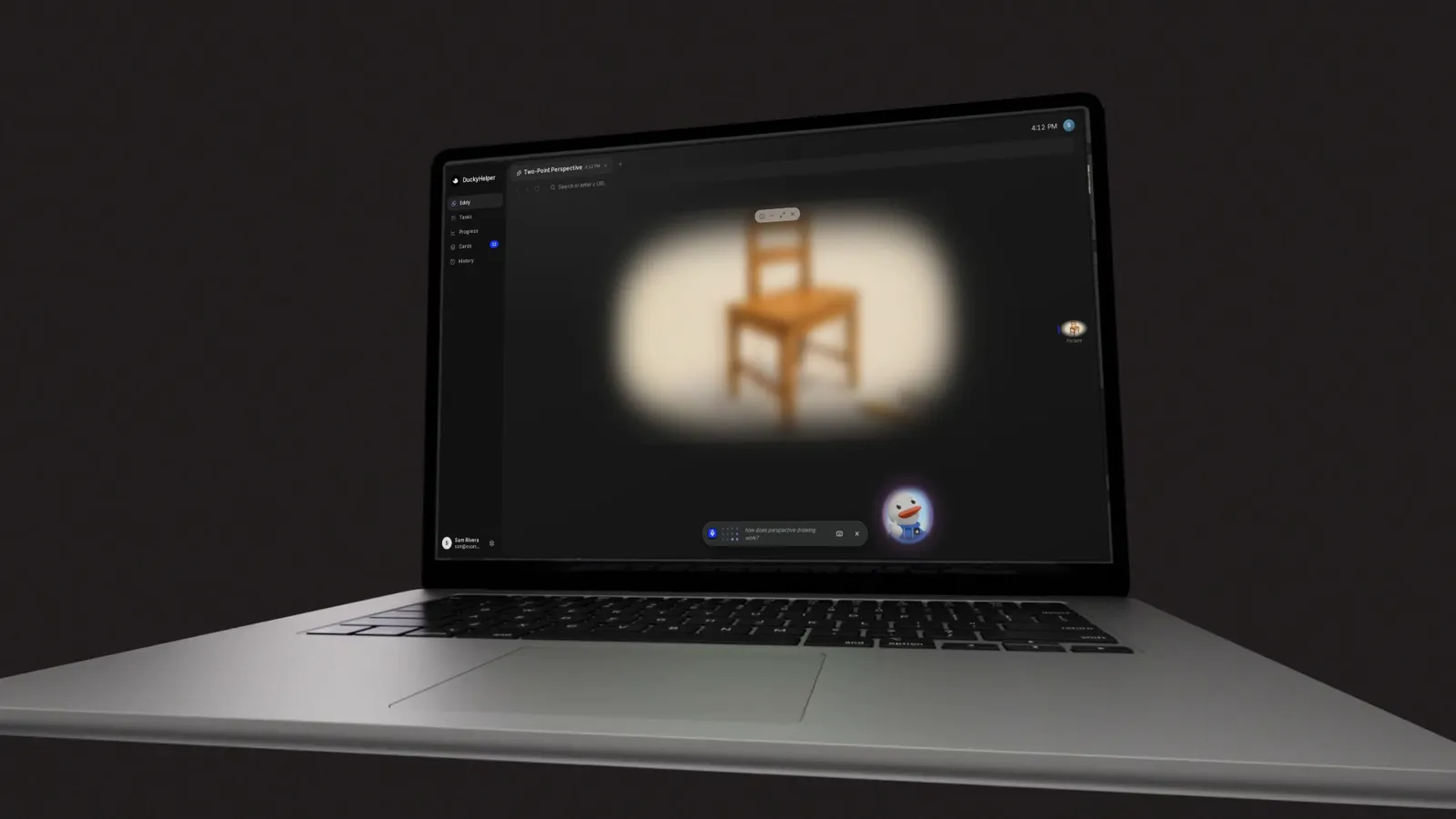
DuckyHelper is an AI tutor for any subject you are learning, from algebra and chemistry to history, essays, Spanish, code, music theory and art. Ask a question out loud, and the tutor explains it and shows it: a labelled picture, worked steps, a map, a simulation or a quiz. It is a Mac app: Eddy teaches in its own tab, and Ducky works right over your homework.
One question per subject
Each subject page is built around a real question a learner asks in one of our films, and what the tutor put on the screen to answer it.


Every subject, shown
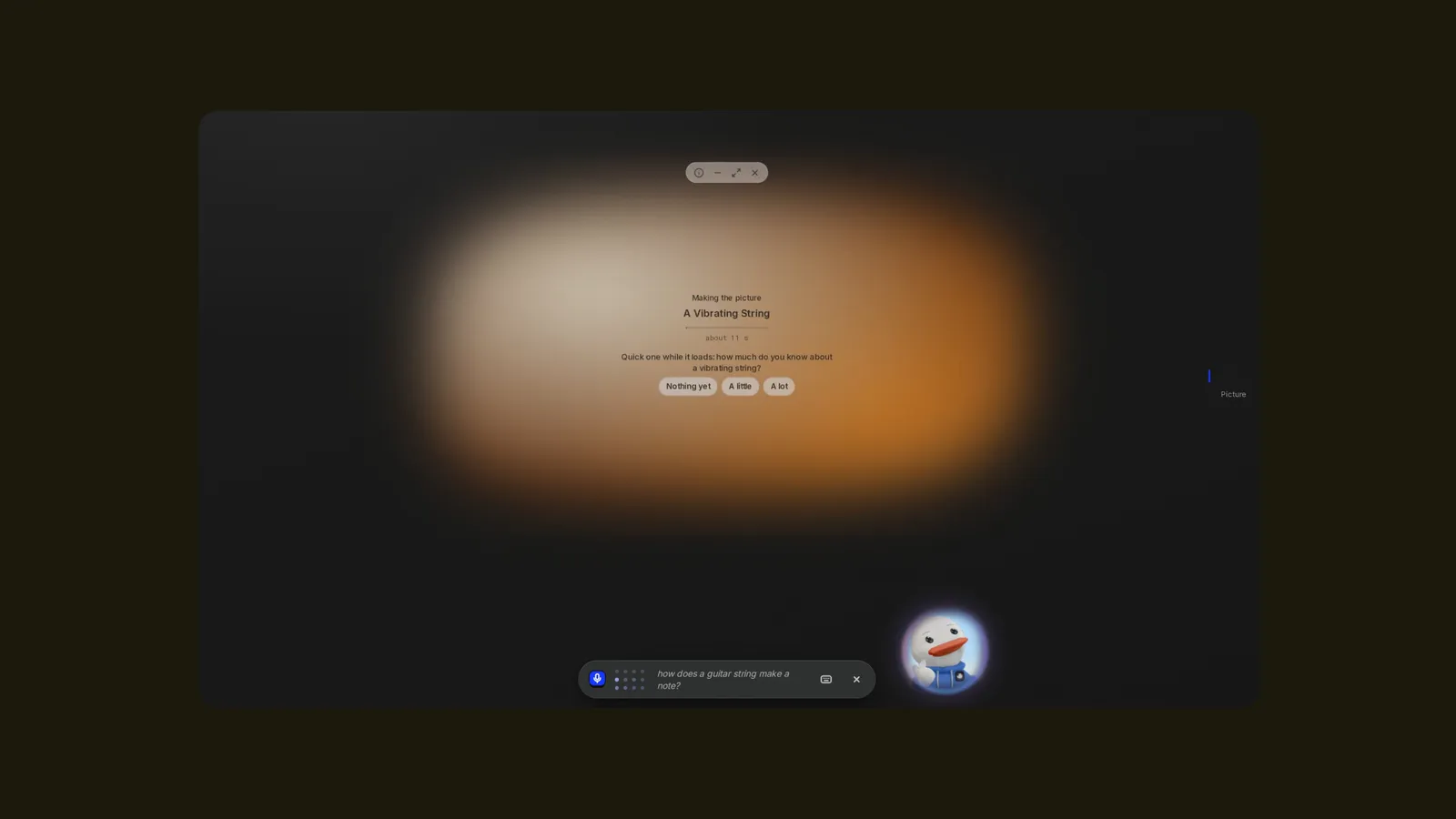
Ask and the tutor picks how to show it, or you pick with the chip at the left of Eddy's bar: Eddy picks, Just words, Look it up, A picture or A scene.
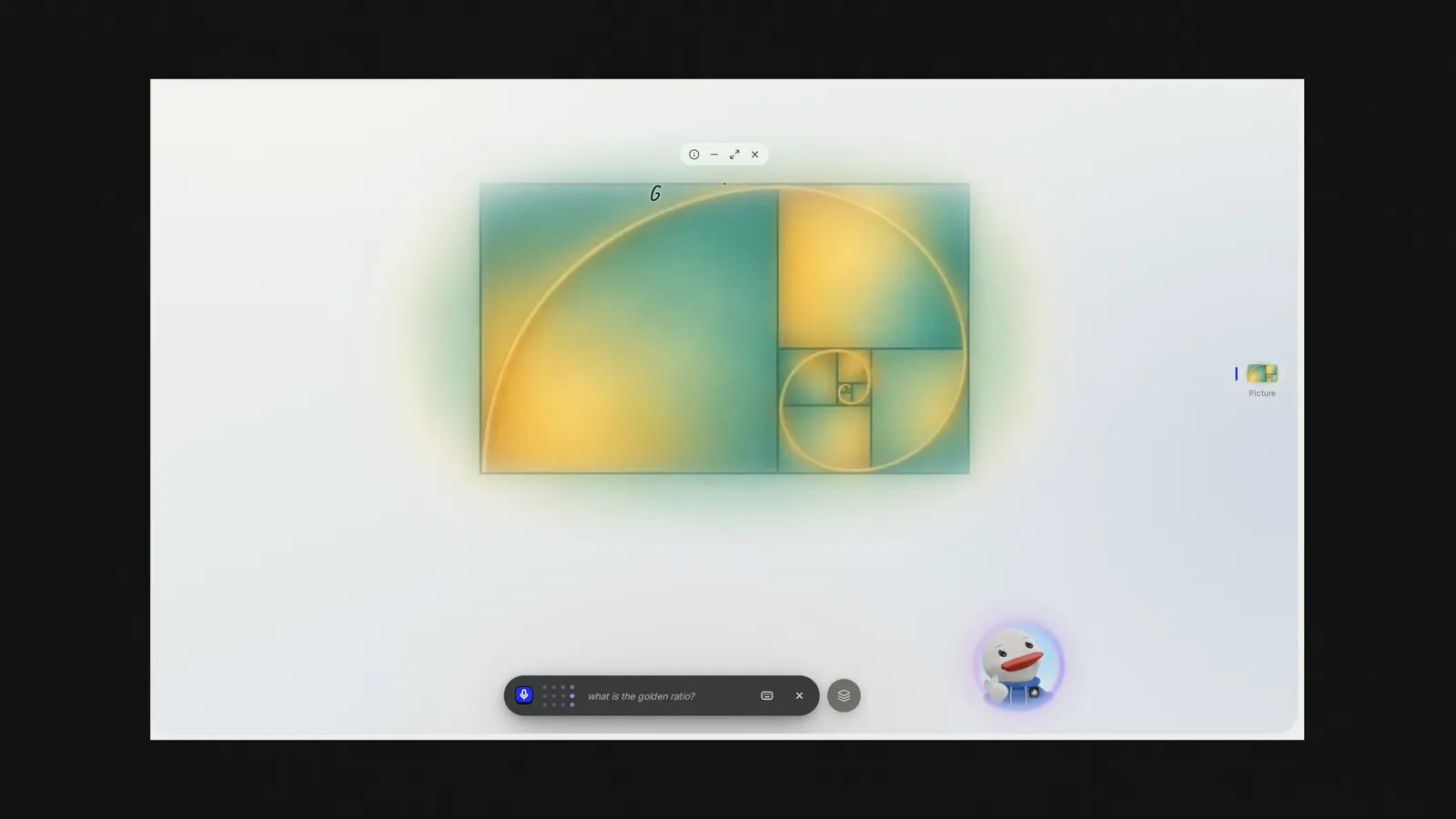
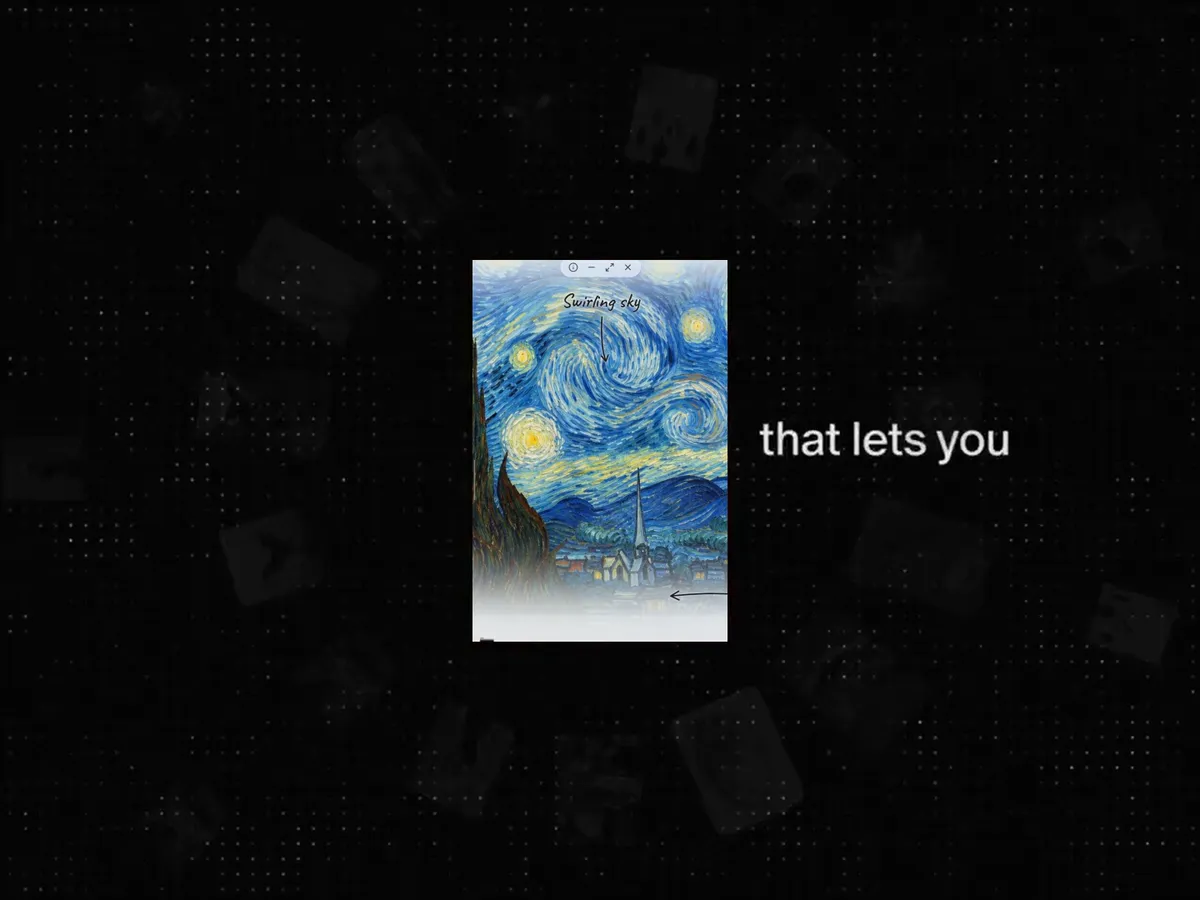
A picture with labels
A picture comes into focus and labels are drawn on it as Eddy names each part. Click a part to ask about it. Made pictures are part of Plus and up; real photos and drawn diagrams work on any plan.

Worked steps, one move each
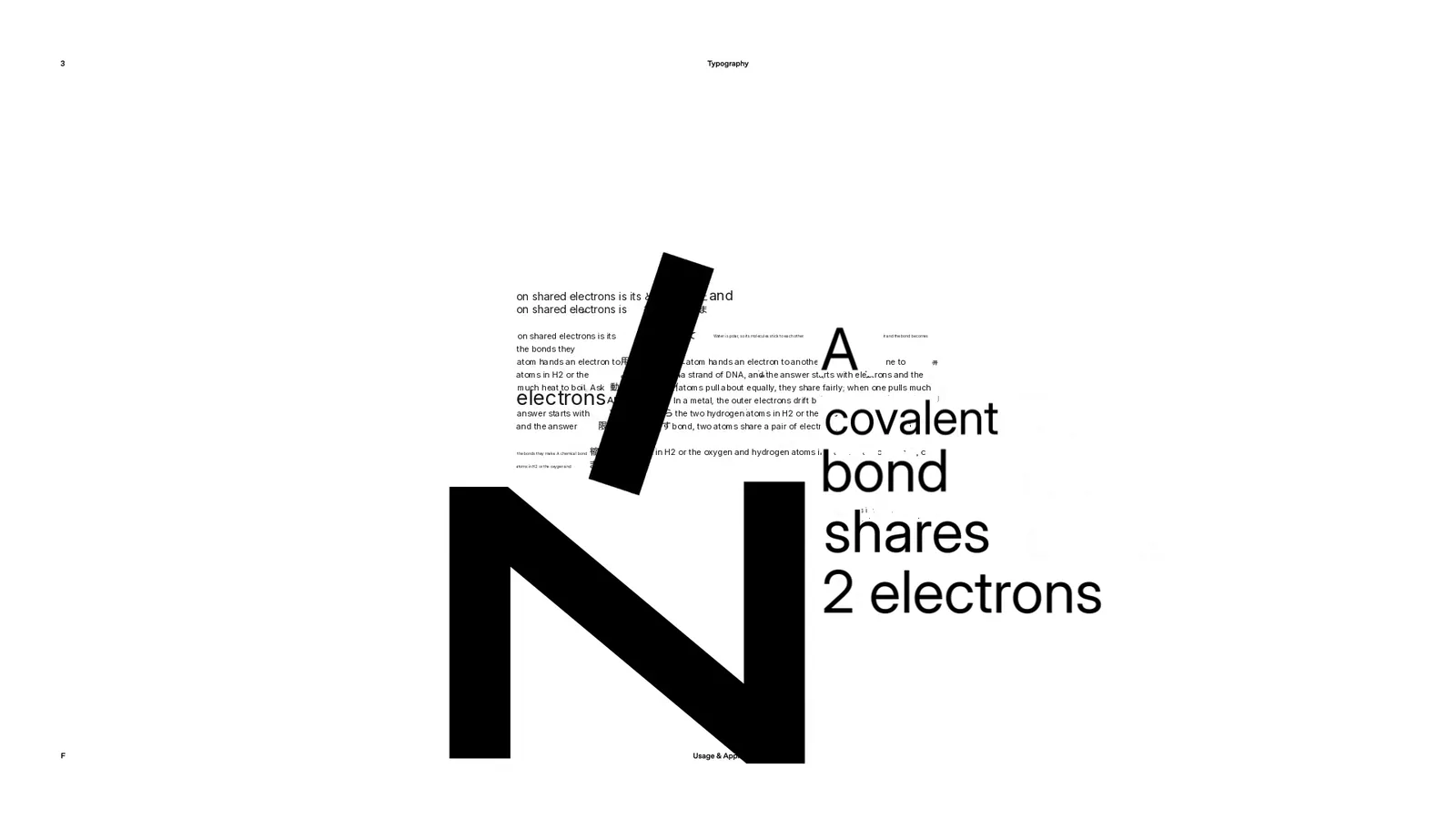
Ask for a problem step by step and you get 3 to 6 steps with the math written out. Ask why any step works.
Maps, timelines, graphs and code
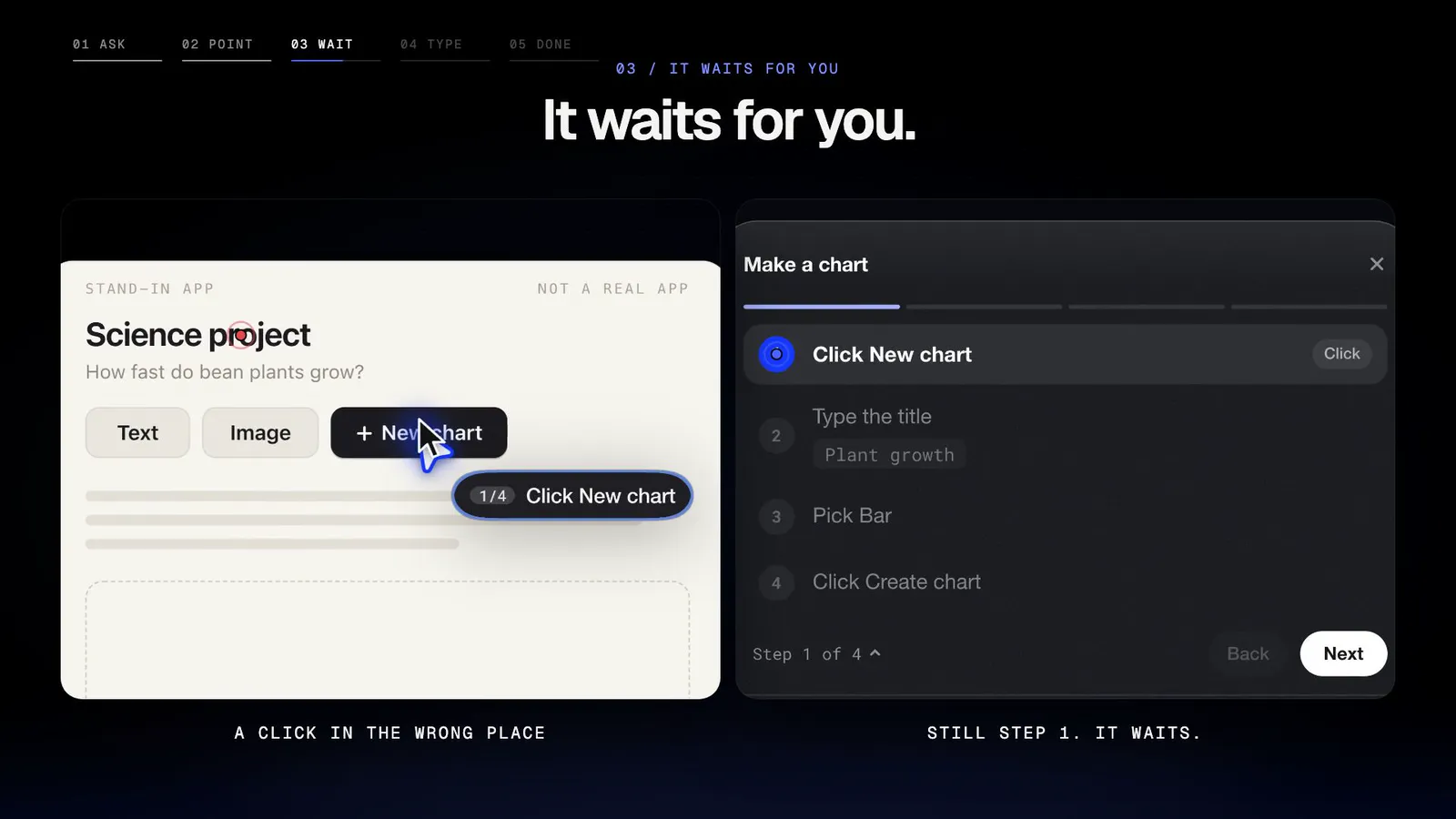
Timelines you scroll, maps you pan and tap, graphs with sliders, circuits and code that runs. In the Eddy tab they open on Eddy's desk; with Ducky, in the pill.
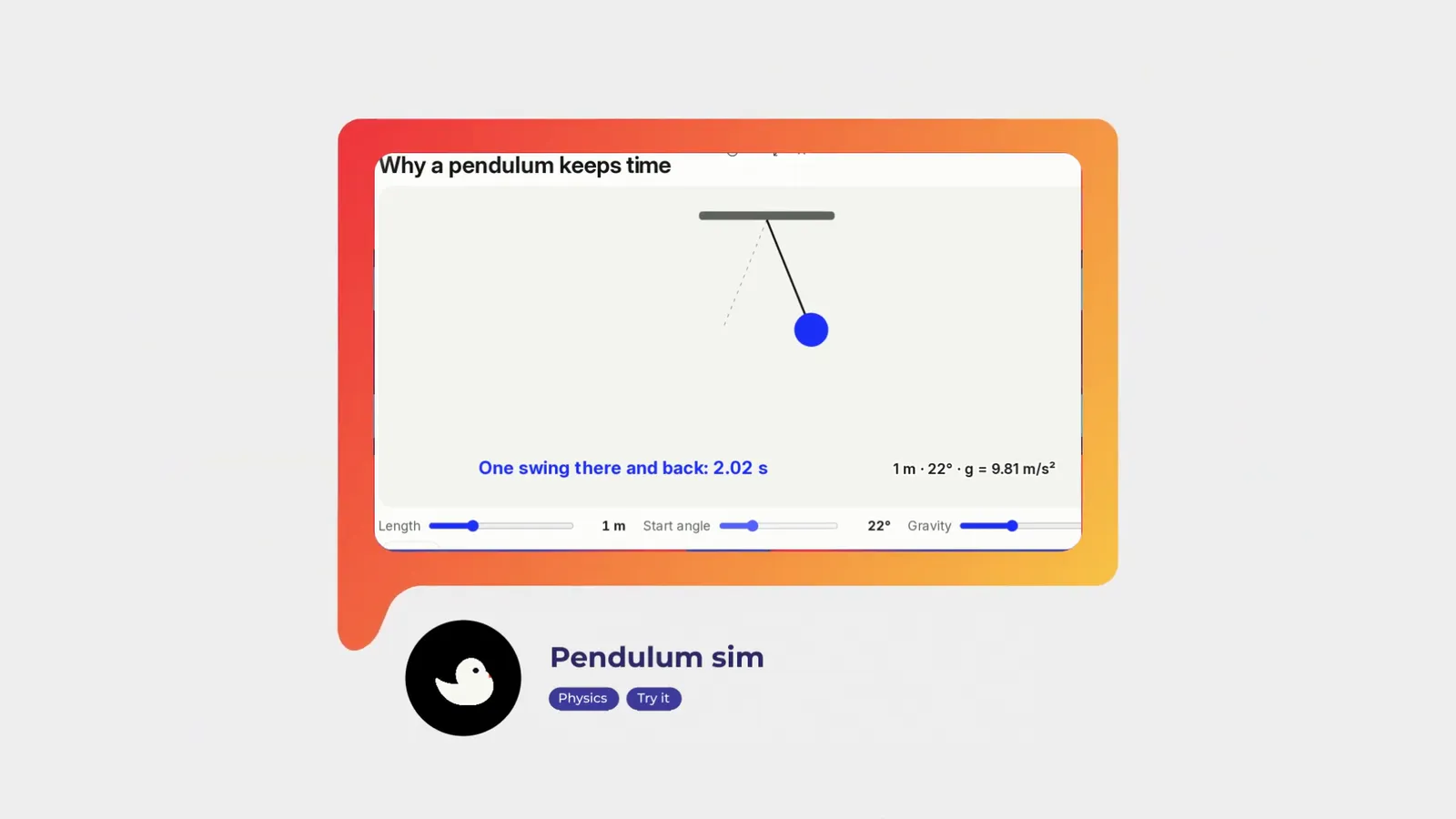
Something to play with
A pendulum, a projectile or a circuit you can drag and change while reading the numbers, so you find the rule yourself.
A quick check, then flashcards
Ask to be quizzed: tap, type the math or put steps in order, and a wrong answer says why. What you miss can come back as flashcards right before you would forget it.
Works on your Mac
DuckyHelper is a Mac app, for Apple silicon and macOS 14 or later. Eddy teaches in its own tab, and Ducky helps right on your screen: press fn in any app and ask about what is in front of you.

Study guides by subject
Frequently asked questions
Is there an AI tutor that helps with every subject?
DuckyHelper helps with any subject you can ask about: math, biology, chemistry, physics, history, writing, languages, computer science, music, art and more. It explains out loud and shows the idea on screen, then quizzes you so it sticks.
How is a subject page different from a study guide?
A subject page shows how the tutor teaches that subject. A study guide on duckyhelper.com/learn explains one topic, like photosynthesis or the quadratic formula, with a worked example you can read on your own.
Can I use it on a school Chromebook?
Not right now: DuckyHelper is a Mac app (macOS 14 or later, Apple silicon). There is no Chromebook or web version. On a Mac, Eddy teaches in the Eddy tab, and Ducky points and draws over your homework.
What does it cost to try?
You can start on the Free plan: a short live voice welcome, then typing to Eddy every day. Talking out loud after the welcome and made pictures are part of Plus and up. Pricing has the details.
Pick a subject and ask
Get the Mac app, open the Eddy tab and ask your first question out loud.


