
Your data, your switches
Every switch for your data is in Settings, in the app.
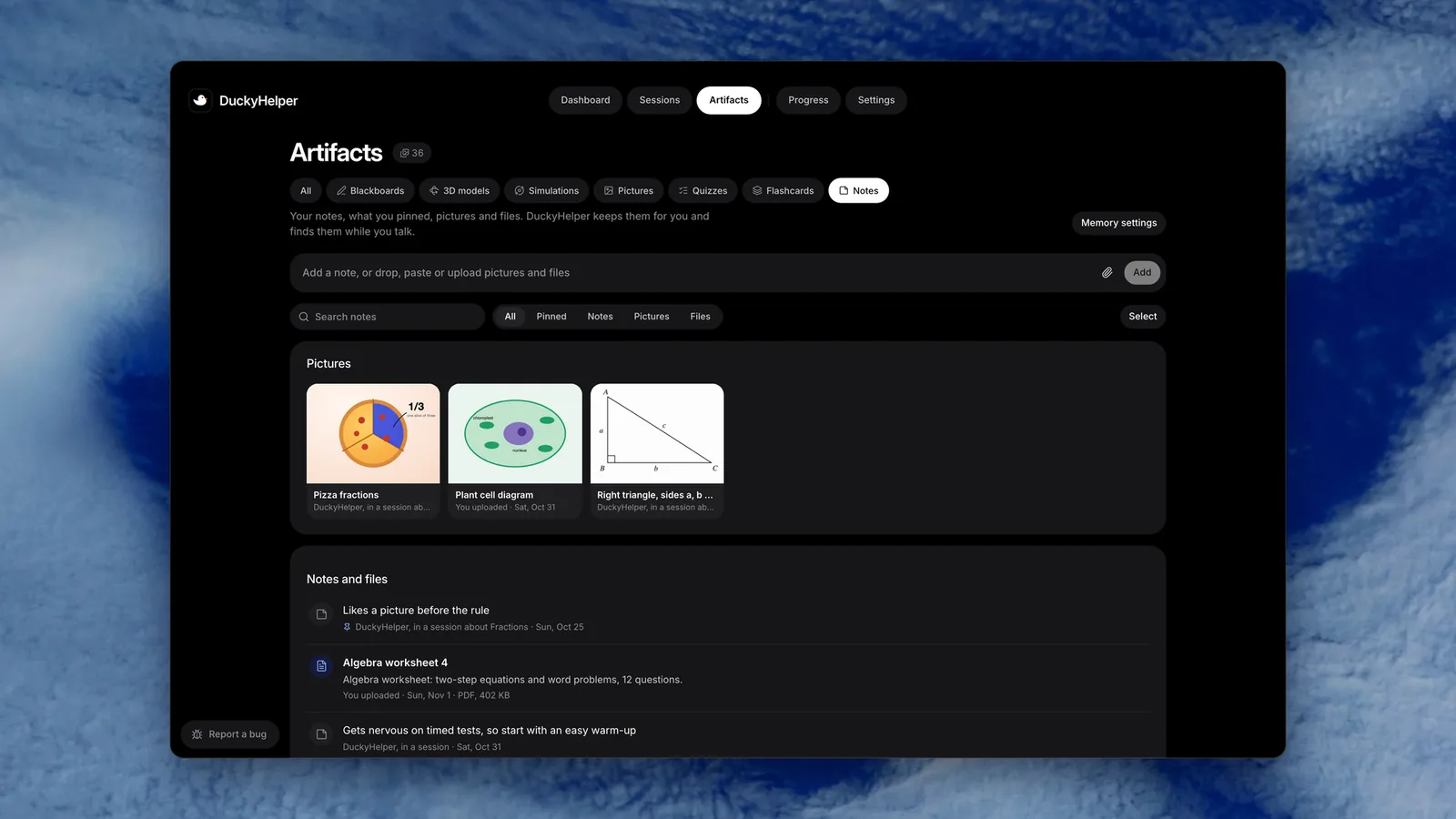
 Your notes, pinned pictures and files, kept in Artifacts and found again while you talk.
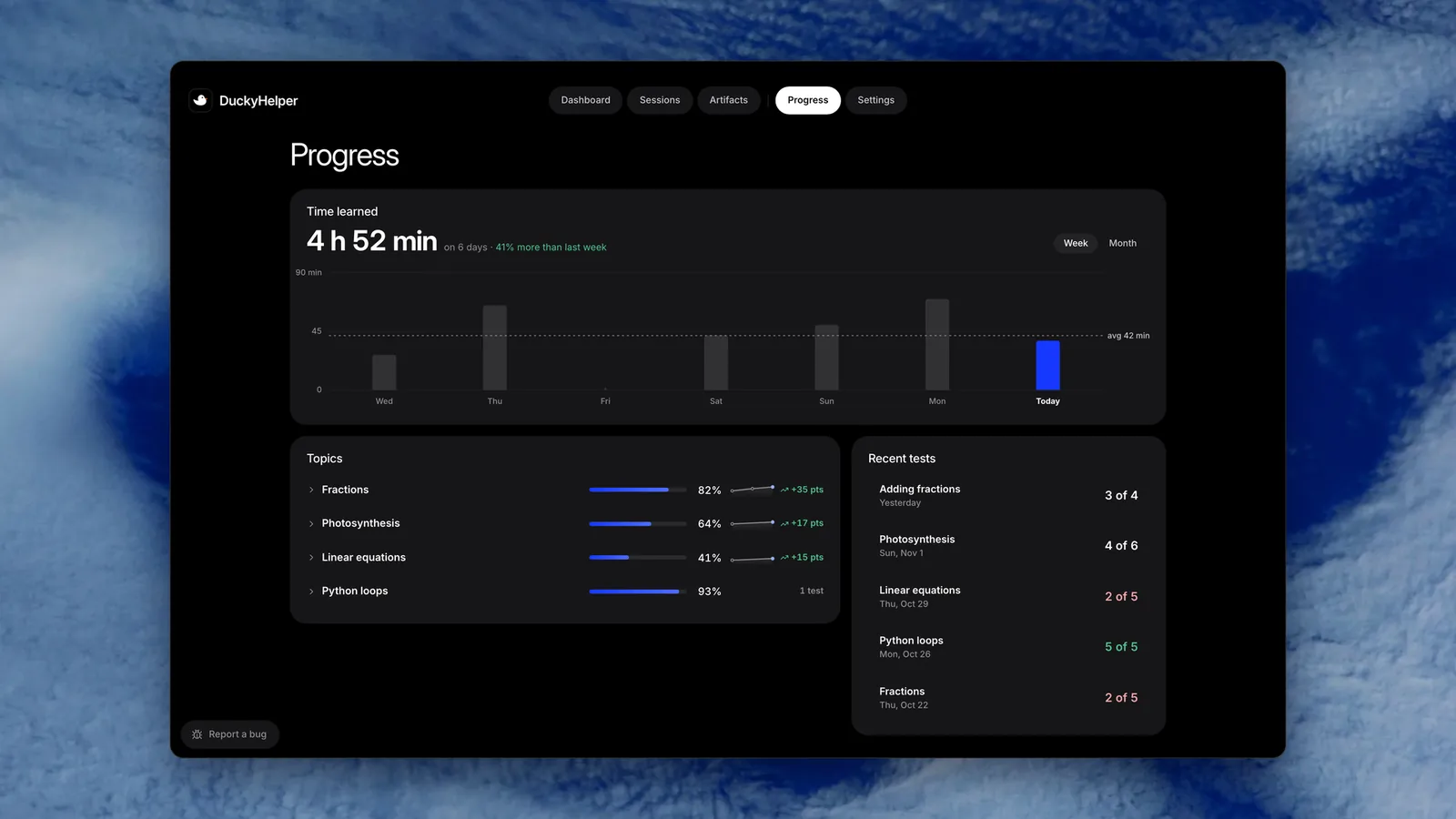
Try it on your own work
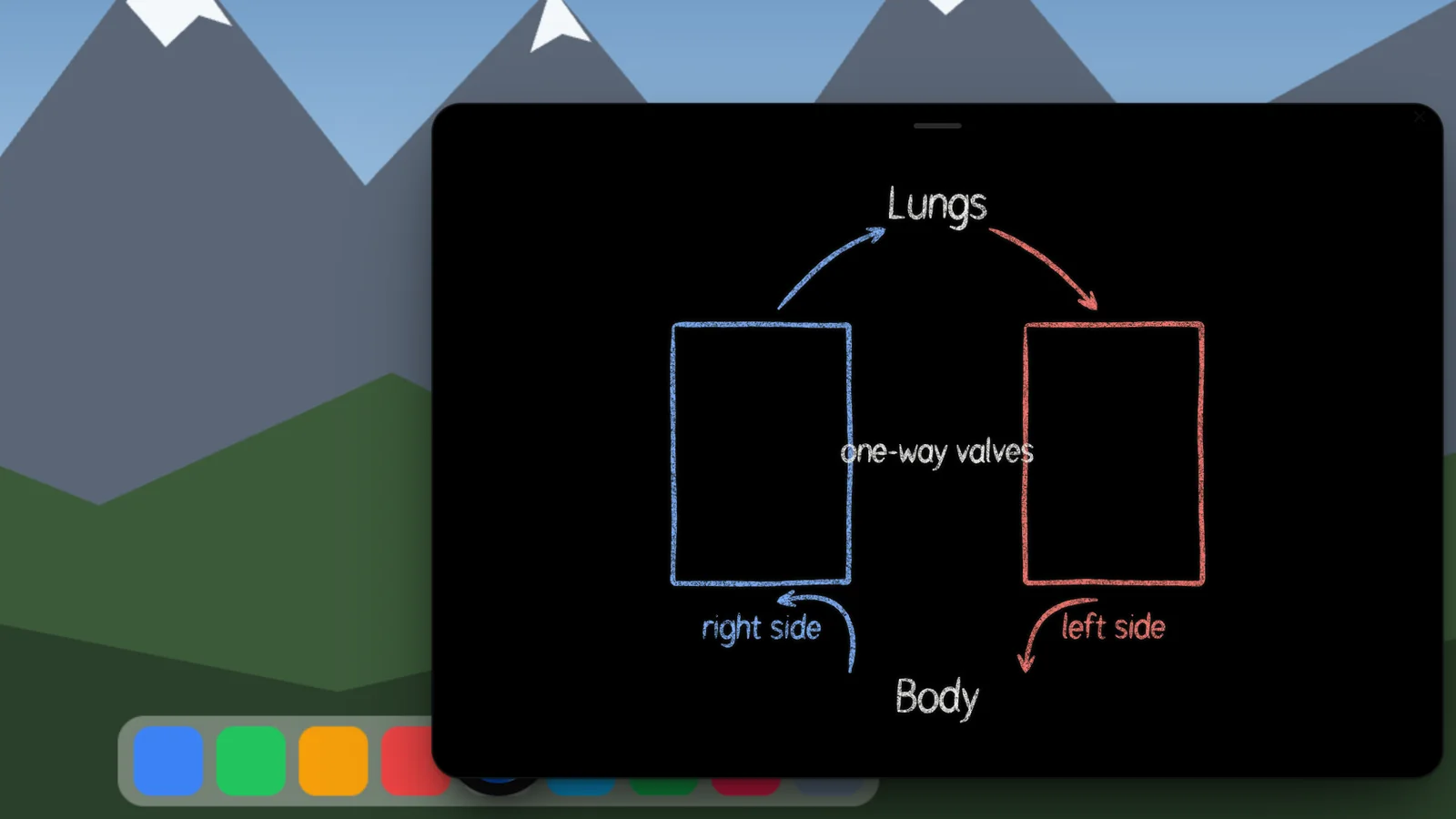
Press fn on a Mac (Ctrl+Shift+Space on Windows and Linux) and say it out loud. It sees your screen, so it works on your own problem with you, and shows you.
“Where are my settings?”
DuckyHelper is an app for Mac (Apple silicon, macOS 14 or later), Windows and Linux.
Keep exploring
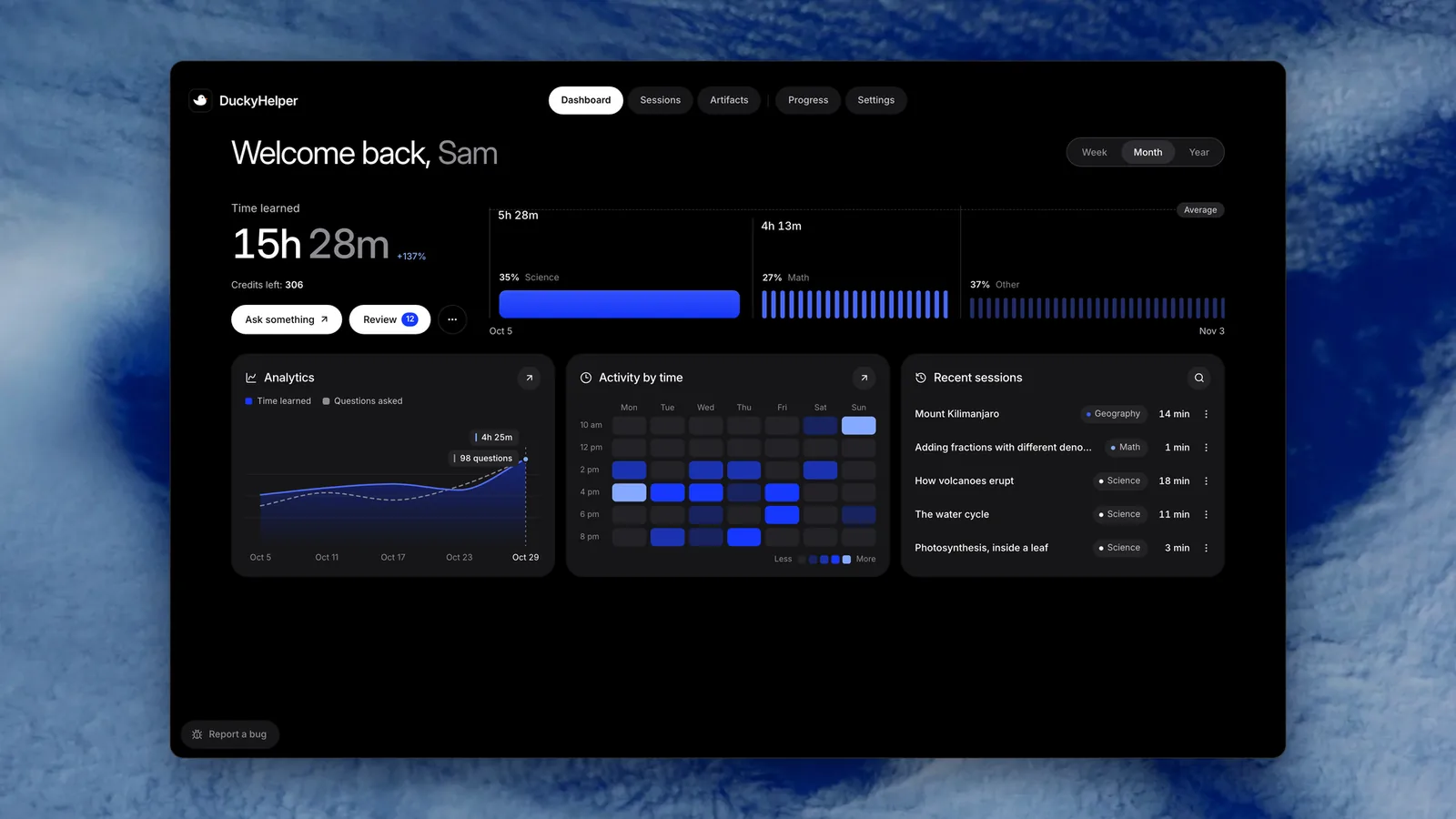
Read the whole page as text
Every switch DuckyHelper has for your data is in Settings, in the app. You can turn memory off or edit what it keeps, stop keeping lessons, export everything as a ZIP, or delete your account. Family stays off until you turn it on, and nothing you say or show is used to train AI models.
What the tutor remembers
So lessons fit you, the tutor keeps short notes about how you learn, pictures worth keeping and the files you give it, and finds them while you talk. You see all of it in Settings, Memory, and you decide what stays.
See, search and edit Search your memories, pin the ones that matter, edit a note, or delete one with Undo. Ask Ducky about this opens a lesson about any of them.
Add your own Add a note, or drop, paste or upload pictures and files. Saying remember this in a lesson keeps a picture for good.
Turn it off Use memory stops the tutor using what it kept. Let DuckyHelper save memories stops it saving new ones. Settings, Account, Forget everything clears what Ducky knows about you.
What you missed comes back Mistakes and flashcards are part of your learning record, not memory notes.
Every switch, and where it is
| Switch | Where | What it does |
|---|---|---|
| Use memory | Settings, Memory | On or off: whether the tutor uses what it kept between sessions |
| Let DuckyHelper save memories | Settings, Memory | Whether the tutor may save new notes and pictures by itself |
| Keep replays of my sessions | Settings, Memory | Whether sessions are kept to watch again. Delete any one in Sessions |
| Family | Settings, Family | Off until you turn it on. Says what a parent will see before you link one |
| Emails | Settings, Emails | Getting started, reminders, the weekly recap, the newsletter, news and offers. Account and payment emails always come |
| Reports | Settings, Reports | Who reads your learning reports and how often. Nothing is sent without you |
| Include the conversation | Sessions, a session's More menu, Share | On to start: a shared page shows what you both said out loud, with names, emails, phone numbers, addresses and links taken out. Turn it off to leave it out. Stop sharing turns the page off; links end after 90 days |
| Sign out everywhere | Settings, Account | Ends every sign-in on every device at once |
| Export my data | Settings, Account | A ZIP of your sessions, progress, tests, memory and pictures, by email link; up to 3 a day |
| Delete account… | Settings, Account | Type your email to confirm; deletes your sessions, progress and memory, and stops a plan without a refund |
All in Settings: the menu bar duck, then Settings, or Cmd + comma in the dashboard.
Your data does not train AI
Some apps ask you to opt in to improving their model. There is nothing to switch here.
- Not by us We don't use what you say, type or show to train AI models.
- Not by our AI provider The conversation runs through a business API whose data is not used to train models.
- Not for ads We don't sell your information or share it for ads.
For families
A parent can follow along, only if the learner turns it on.
- The learner turns on Family Settings, Family, Turn on. It says what a parent will see, then the learner adds a parent by email.
- The parent links The parent's link opens the family dashboard: each child's week, sessions with summaries, progress, and a Sunday email.
- The learner always knows The learner sees who is linked. Under 18, a learner asks to unlink and the parent decides. For a child under 13, the parent manages the account and can withdraw consent, which deletes it.
Parents must be 18 or older. The Children's Privacy Notice explains a parent's rights for a child under 13.
Other notes
Kept lessons hold the tutor's voice and your words as captions, never your own voice and never a picture of a web page. After you delete something, it can stay in a backup for up to 35 days.
Questions
How do I delete my DuckyHelper account?
Open Settings, Account, Delete account…, and type your account's email to confirm. It stops any paid plan without a refund and deletes your sessions, progress and memory. Records of payments and consents are kept where the law requires. You can also email support@duckyhelper.com from your account's address.
How do I export my data?
Open Settings, Account, Export my data. DuckyHelper builds a ZIP of your sessions, progress, tests, memory notes and files, and the pictures Ducky made, and emails you a link. You can export up to 3 times a day.
How do I turn memory off?
Open Settings, Memory and switch off Use memory, so the tutor stops using what it kept, and Let DuckyHelper save memories, so it stops saving new ones. You can also delete any memory there, or clear everything from Settings, Account, Forget everything.
Does uninstalling the app delete my data?
No. Uninstalling removes the app and its data from that Mac, but your account, lessons and progress stay online so you can come back. To delete them, delete your account in Settings, Account.
Can I delete a single lesson?
Yes. Open Sessions, open the session you want gone and choose Delete this session from its menu. To stop keeping new ones, switch off Keep replays of my sessions in Settings, Memory.