

How to use DuckyHelper in Daytona
A development environment that will not start leaves you reading logs. Ask DuckyHelper about the log or config file on screen and it finds the line that matters. Hand it the clicks in the dashboard, like starting an environment or stopping unused ones, and it does them in your browser (Early access).
Read why a sandbox fails to start
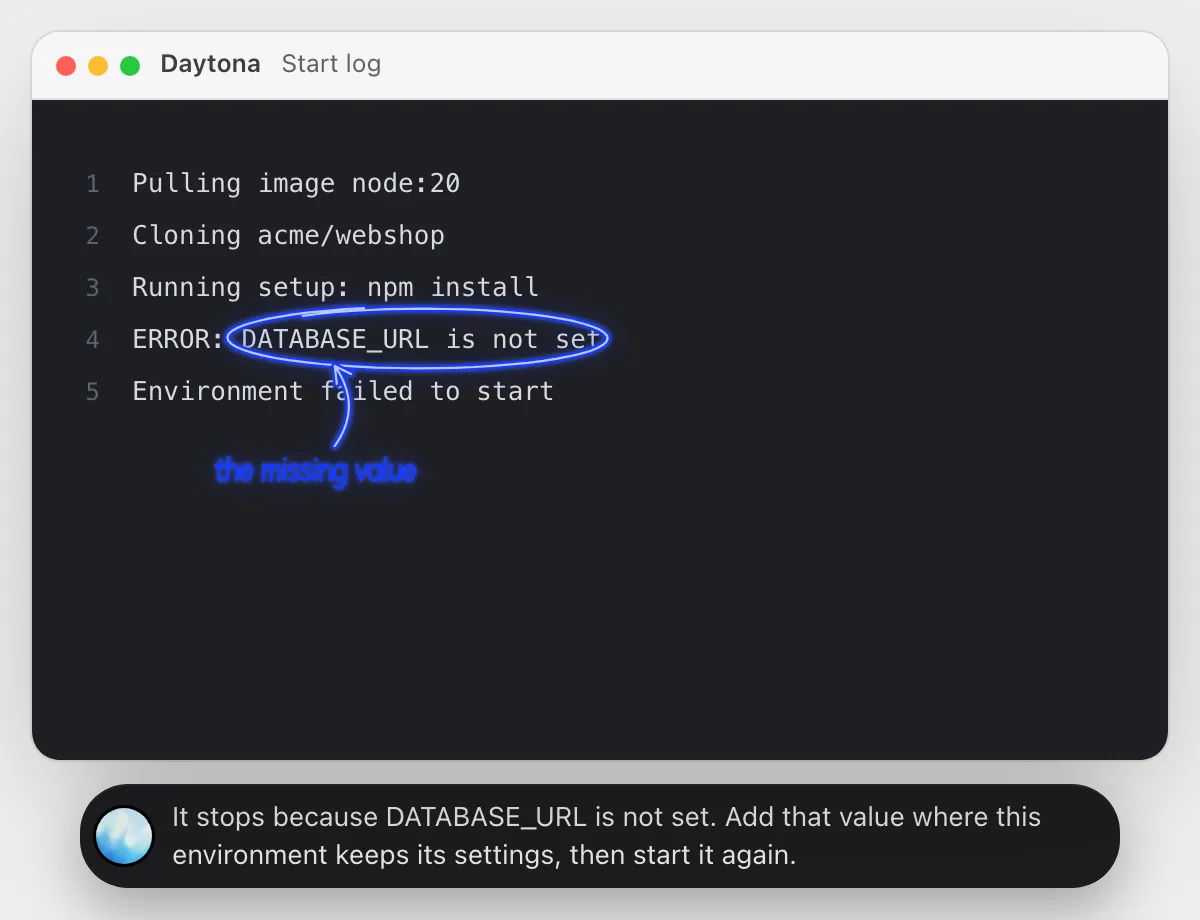
“Why does this sandbox fail to start?”
- 01Open the environment's start log so the last lines show, then ask out loud.
- 02DuckyHelper reads the log from the first step to the error.
- 03It circles the line that stops it and says in a sentence what is missing.
- 04Ask where to add it and it tells you what to look for in the settings you have on screen.
You getYou know in a sentence what the start needs, instead of scrolling the whole log.
 It stops because DATABASE_URL is not set. Add that value where this environment keeps its settings, then start it again.
Understand a config file
“What does this config file set up?”
- 01Open the config file in the repository so all of it is on screen, then ask out loud.
- 02DuckyHelper reads each setting in order.
- 03It underlines the image and circles the ports, and says what each one does in plain words.
- 04Ask what happens if you change a line and it explains the effect, before you try it.
You getA config file explained line by line, with the two settings that matter marked.
It starts from the node 20 image, opens ports 3000 and 5432, runs npm install, and expects DATABASE_URL to be set.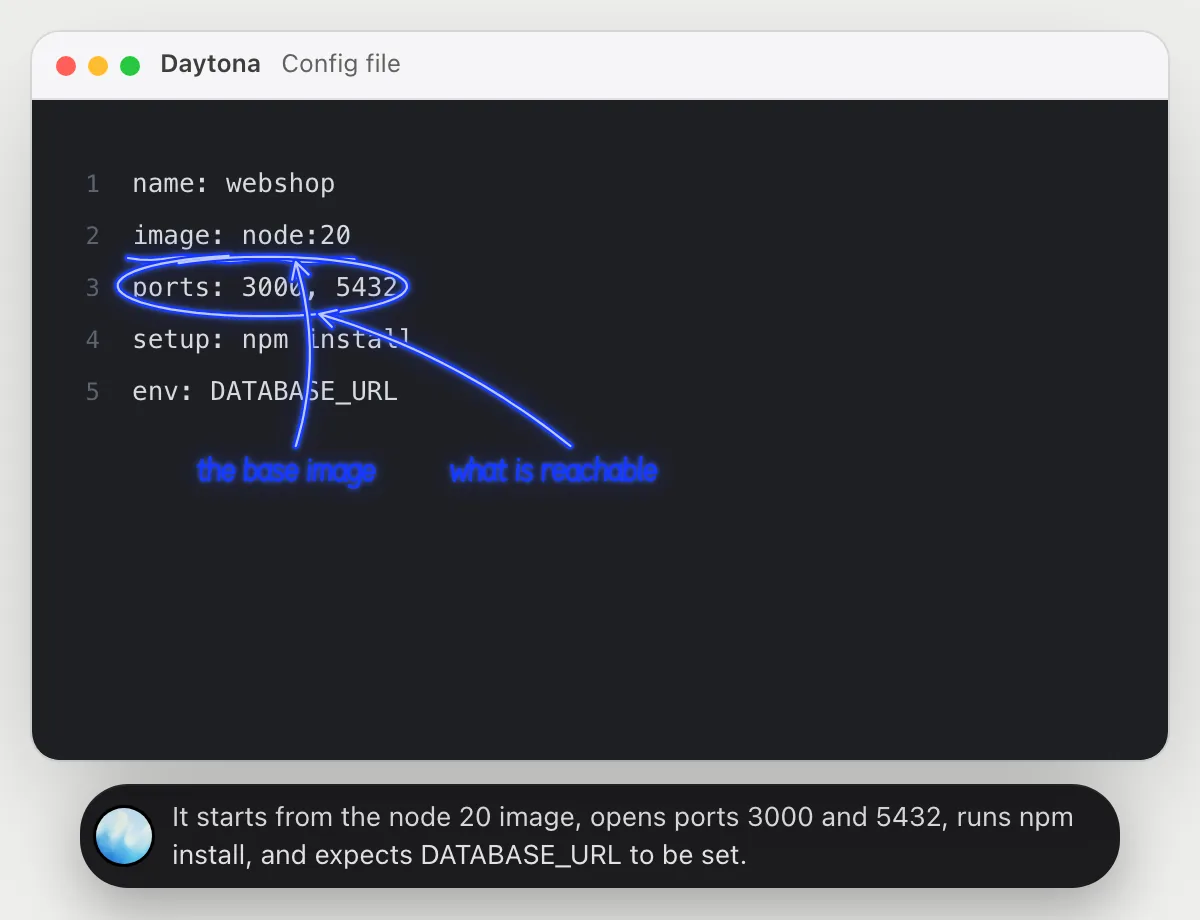
Start an environment and open it
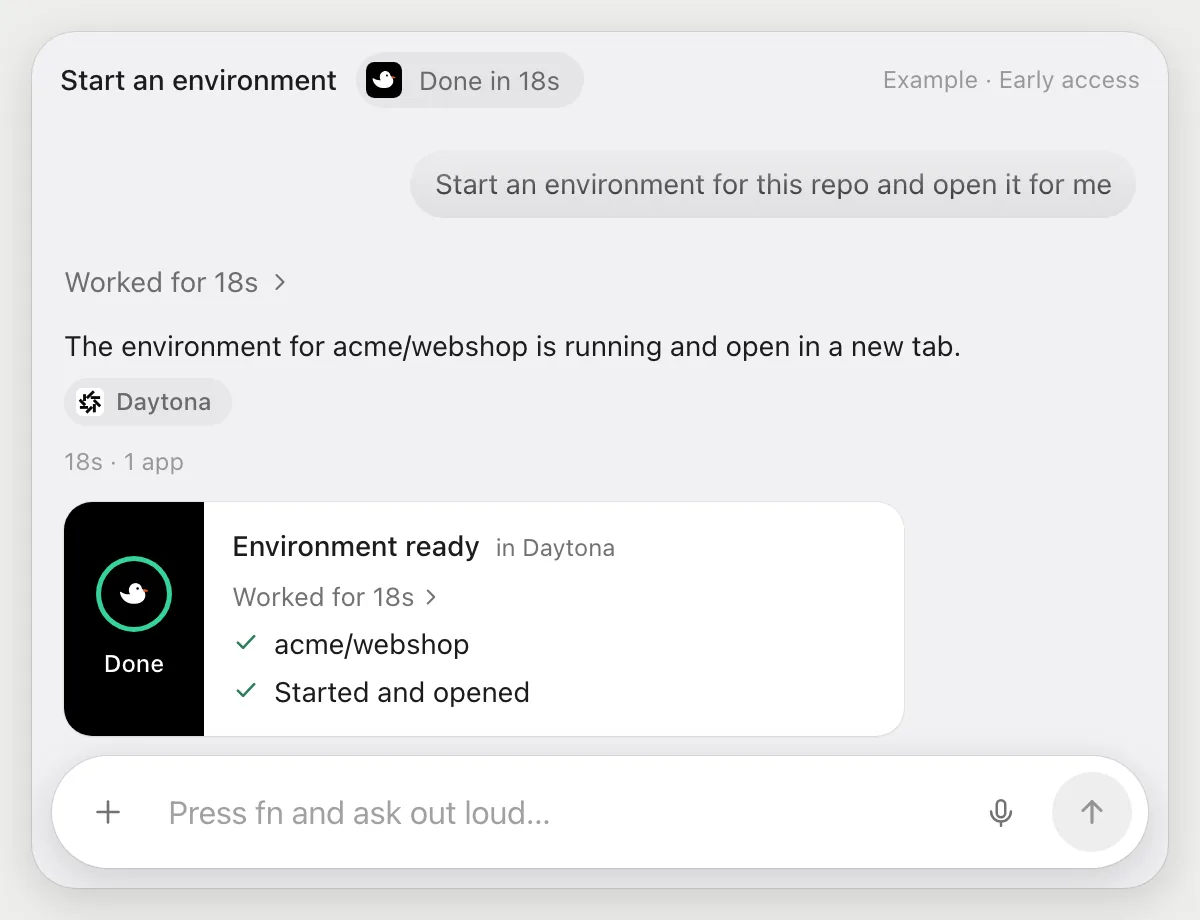
“Start an environment for this repo and open it for me”
- 01Open the dashboard, or say the repository's name.
- 02DuckyHelper finds the repository and uses the dashboard's own button to start an environment for it.
- 03It waits while the environment comes up, watching the status on the page.
- 04It opens the environment and tells you when it is ready.
Built to ask firstStarting an environment needs no OK. If a step would send or pay for something, it's built to stop and ask first.
You getYour environment is up and open, without clicking through the dashboard.
Stop what you are not using
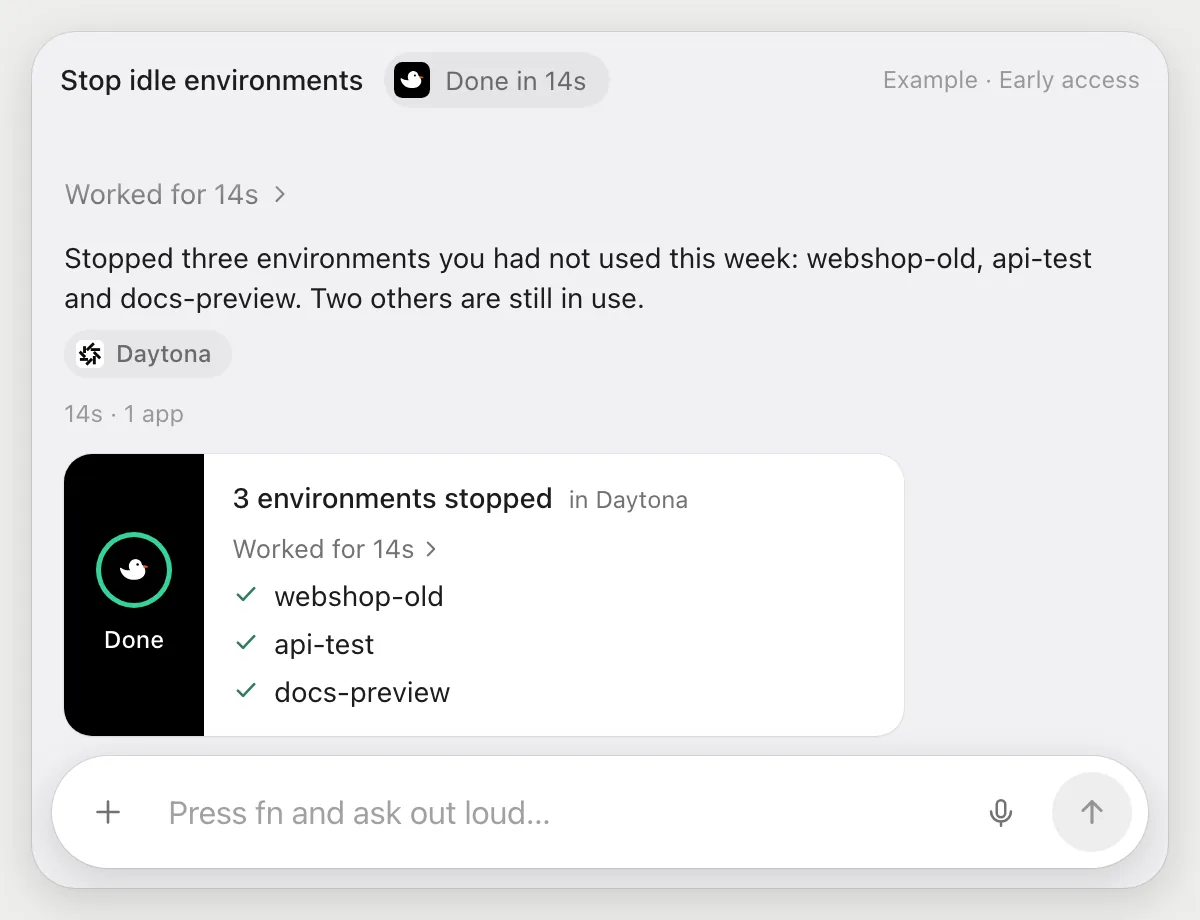
“Stop the environments I haven't used this week”
- 01Open the dashboard's list of environments.
- 02DuckyHelper reads each one's name and when it was last used.
- 03It picks the three you have not used this week and tells you their names.
- 04It stops them with the dashboard's own button, one by one, and confirms the list.
Built to ask firstStopping needs no OK from it, so it tells you the three it found. To check first, say "list them first, then stop".
You getThree idle environments stopped, and a short list of what it did.
Getting more out of it in Daytona.
- 01
Open the log at the bottom, where the error is. It reads the lines on screen.
- 02
Say the repository's name out loud. It looks for that name in the dashboard.
- 03
Ask it to explain a config file before you change it. It tells you what each line sets up.
- 04
If your dashboard uses different names for things, say what you see. It follows the screen, not a script.
Questions about Daytona.
Do I need to connect my Daytona account?
No. There is nothing to connect. It sees what is on your screen while the pill is open, and for jobs (Early access) it uses your dashboard in the browser, signed in as you. It's built not to type your passwords or card numbers.
Does it work with my own setup?
It reads whatever is on the screen, so it follows the dashboard and files you have open. Check Daytona's own documentation for what your environment supports.
Can it start or stop things without asking?
Starting and stopping are jobs you ask for (Early access). It tells you what it found. It's built to stop and ask before anything that sends or pays.
Does it work on my phone?
No. DuckyHelper is an app for Mac, Windows and Linux, so it works with the dashboard in your computer's browser.



Do anything
Ask it a question or hand it a job, in any app.




Doing jobs for you is in early access on Mac. Asking works on Mac, Windows and Linux.